Comparisons
Local Books vs. AccountEdge: two ways to keep your books on your desktop
Both take desktop accounting seriously. Compare the tools, licensing, and costs before choosing.
 vs.

If you prefer desktop accounting, you have more choices than QuickBooks. AccountEdge and Local Books both bring serious business tools to Mac and Windows. Look closely at how you pay, how your team gets access, and how much of your working day the software brings together.
AccountEdge starts with a low monthly price, with payroll charged separately. Local Books is a larger one-time purchase that includes payroll tools alongside the accounting software. If you have employees to pay, compare the cost of both together.
What you pay for desktop accounting
The number of people using the books matters. These starting prices include payroll, and each row states the access included.
| Product | Access included at this price | Software price with payroll tools |
|---|---|---|
| AccountEdge Pro | One user | $40/month: $20 software + $20 payroll |
| AccountEdge Network | Two simultaneous desktop users | $50/month: $30 software + $20 payroll |
| AccountEdge Hosted | One hosted user in this example | $70/month: $50 user + $20 payroll |
| Local Books Desktop | Five office computers total, including the host; unlimited user accounts | $3,495 once; payroll included |
| Local Books Server | Unlimited user accounts; shared records across devices and locations | $4,995 once; payroll included |
AccountEdge’s pricing lists its payroll add-on at $20 a month for unlimited employees. That is separate from how many people can use the accounting software. The table's Hosted example covers one user; each additional hosted user adds $50 a month.
Both Local Books editions include unlimited companies and unlimited user accounts with no per-user software fee. Desktop includes one host and four connected office computers working in the same books at the same time. Server supports more connected computers and access across locations.
Local Books includes employee records, pay runs, pay stubs, time entries, time off, benefits, onboarding and tax-form preparation tools in both editions. There is no separate payroll software subscription or per-employee software charge. Payroll is part of the same toolkit as invoicing, purchasing, inventory, job costing and reports.
Compare the services you need as well as the software. AccountEdge lists bank feeds at $5 a month and telephone support at $10 a month. Its payroll guide explains that direct deposit and payroll form filing are separate services. Local Books provides payroll tools; you or your payroll professional review calculations and handle tax filing and payments. A software license is not a managed payroll service.
Local Books’ price buys a perpetual license with 12 months of eligible updates. You can keep using the purchased version after that and choose whether to buy a future upgrade. That is the appeal for someone who wants to buy software rather than keep a subscription running. Local Books editions.
What a five-person team would pay
Here is one specific example: five people need access to the same books from five devices at the same time, and the business needs payroll tools. Five means people using the software, not the number of employees on payroll. This example fits Desktop’s five-computer allowance: one host and four connected workstations in the office. The allowance counts computers, not employees or user accounts. Local Books Server has no fixed concurrent-user cap; practical capacity depends on the host and workload.
Local Books Desktop covers this five-computer office for $3,495 once, including payroll tools and unlimited user accounts. All five computers can work in the same books at the same time. For more connected computers or access across locations, Local Books Server costs $4,995 once.
| Product | Five-person setup, including payroll | Five-year software cost at today's rates |
|---|---|---|
| AccountEdge Network | $30 base + three $10 workstation licenses + $20 payroll = $80/month | $4,800 |
| AccountEdge Hosted | Five $50 users + $20 payroll = $270/month | $16,200 |
| Local Books Desktop | Five office computers including the host, with payroll and unlimited user accounts | $3,495, before optional future upgrades |
| Local Books Server | $4,995 once, with payroll and unlimited user accounts | $4,995, before optional future upgrades |
The Network calculation uses its two included users plus three additional workstation licenses. AccountEdge Network provides simultaneous access on the local network. Hosted includes vendor hosting and browser access. Both Local Books editions keep shared records on a host your business controls. Desktop covers the five-computer office in this example; Server supports a larger deployment and access across locations.
At this team size, Local Books Desktop’s five-year software total is $1,305 below AccountEdge Network. Network is $195 below Local Books Server. Hosted costs more and includes hosting. Add another workstation to Network and its subscription increases; add another hosted user and that bill increases too. Local Books has no additional software charge for another user account. The result depends on your team size and the kind of access you need.
AccountEdge also offers Connect from $15 a month for selected browser-based tasks. That companion service is different from using the full Hosted application.
Look beyond a list of accounting features
Both products offer accounting, sales, purchasing, inventory and job-related tools. Instead of counting check marks, look at a piece of work from beginning to end.
For example, a contractor may need to quote a job, buy materials, record labor, send invoices and compare actual spending with the budget. A shop may care more about stock, supplier bills and margins. The better choice is the one that keeps those tasks connected without making the staff work around the software.
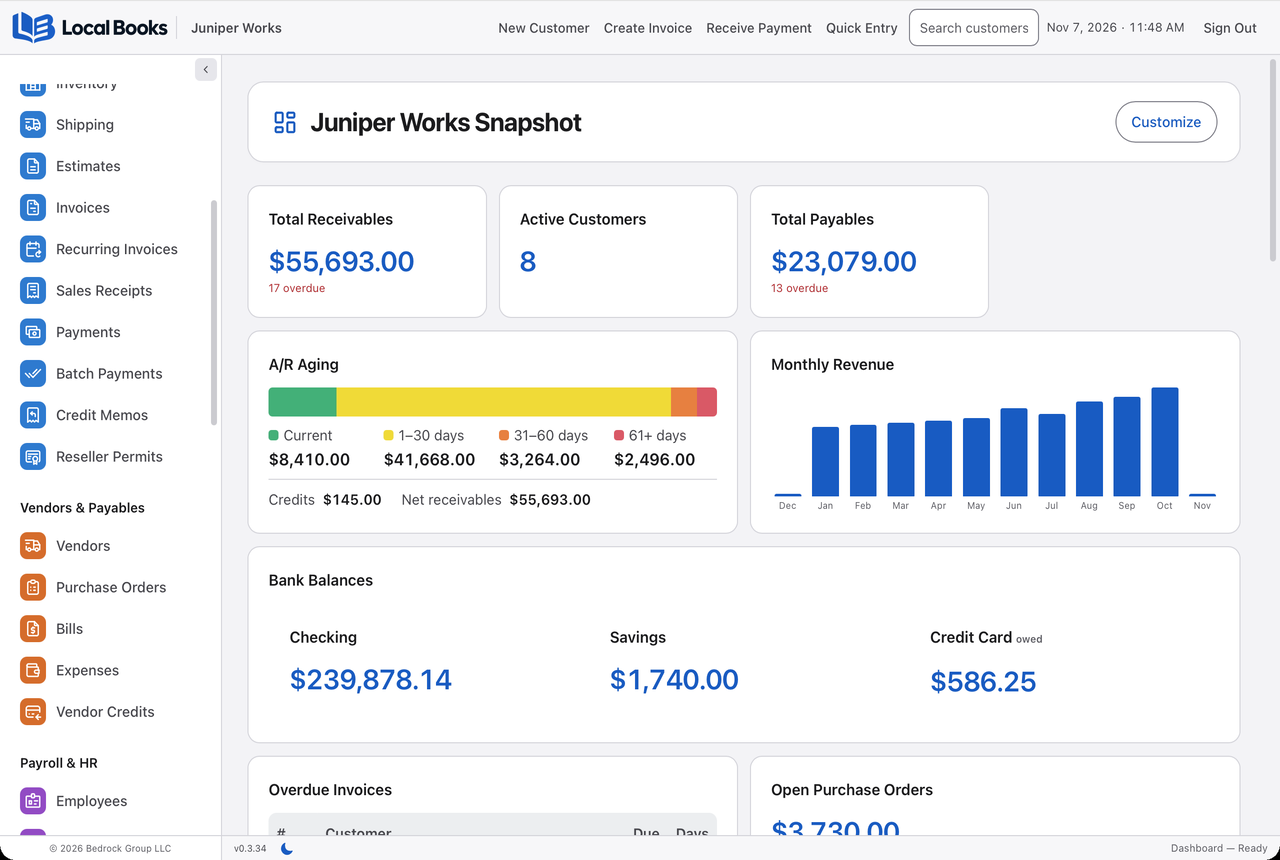
Local Books includes estimates, recurring invoices, bills, purchase orders, inventory valuation and reorder levels, job budgets, committed costs and profitability reporting. Payroll preparation connects with approved time and employee benefits. When employee self-service is enabled on an eligible Server installation, staff can access pay stubs and submit time-off requests through the employee portal. For nonprofits, restricted funds, grants and functional expense reports are part of the same application.
Local Books includes stock counts, partial purchase order receiving, barcode lookup, stock movements and inventory valuation in both editions. Optional Advanced Inventory adds locations and bins, lot and serial tracking, assemblies, warehouse fulfillment and advanced pricing. Start with basic stock records and enable the controls your business needs; Advanced Inventory is off by default for a company with no saved preference. See the inventory workflows.
The built-in AI Assistant can answer Local Books how-to questions from the current manual or help with supported bookkeeping tasks. It follows the signed-in user’s company permissions, and you can require approval for changes. An AI provider connection is optional; provider and payment-processing charges are separate.
What customers say about AccountEdge
Public reviews show why some businesses stay with AccountEdge. TrustRadius reviewers describe using it for reconciliation, reporting, job costing and payroll. Familiarity and accounting depth are strengths for those users.
Other accounts highlight the friction. G2 reviews include praise for routine bookkeeping alongside complaints about older-looking screens, inflexible reports, manual sharing or limited integrations. Those experiences are especially relevant if you work with people outside your office. They do not establish that every installation has the same issues; some published reviews are invited or incentivized.
When comparing the two, use a real task: find a customer’s unpaid invoices, review a job’s costs, or produce the report your accountant wants. Screen layout and the number of steps can matter as much as a feature being available somewhere in the menu.
Review the books with your accountant
Accountant Review adds account workpapers, saved review snapshots and a protected handoff package for client review. See the full feature list.
Which approach fits you?
AccountEdge is worth considering if you want capable desktop accounting with a low monthly entry cost. Its Network edition can be economical for a small team working locally.
Local Books is worth considering if you want to own your version, use payroll and employee tools alongside the books, or let a team work in shared records without adding per-user software fees. Its value is the combination of business functions, local control and the way you prefer to pay. Compare that whole package, not just the monthly price on the first screen.
All cost examples include the payroll tools stated above and use current regular rates. They exclude promotions, taxes, future price changes, other optional services, Local Books upgrades and the cost of your equipment. AccountEdge subscriptions include updates; Local Books includes 12 months of eligible updates, with later upgrades optional.
Written by Local Books, the maker of one of the products discussed. Prices and product details are linked to their sources. Other product names belong to their respective owners; no affiliation or endorsement is implied.