From the purchase order to stock on hand
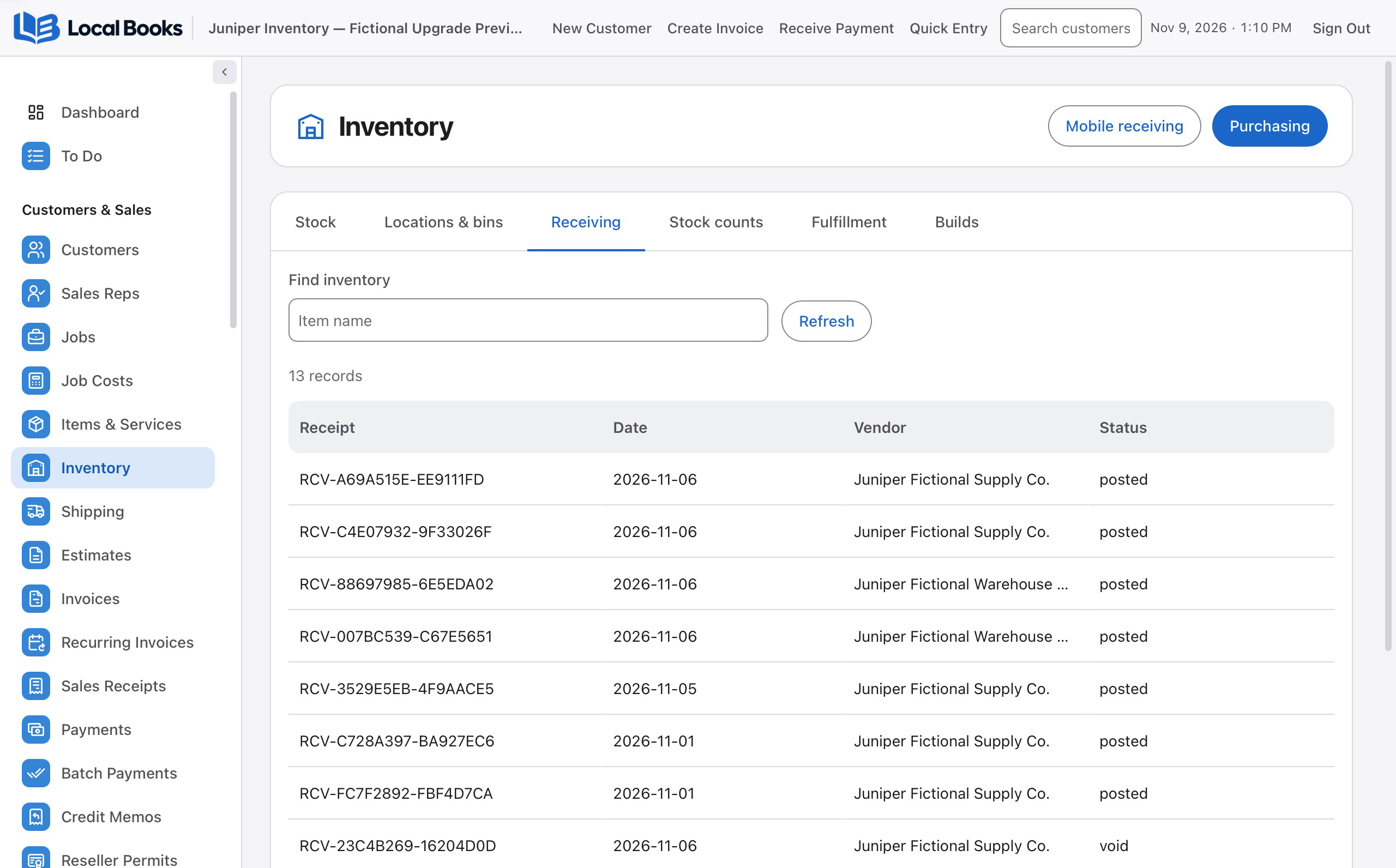
Record what arrived against the original order, even when a supplier splits a shipment. Review what is still open before receiving the next delivery. When goods arrive before the bill, use the receiving workflow to keep the stock receipt linked to purchasing.
Count what’s on the shelf
Create a stock count for selected items. Enter readings manually or use a compatible scanner to look up the item. A blind count hides expected quantities from the counter. Review differences and choose the adjustment account before posting.
Use the inventory setup your team needs
Standard Inventory covers everyday item records, stock quantities, barcode labels and stock movements. Enable Advanced Inventory in Settings for optional workflows such as locations and bins, lot and serial tracking, assemblies, or warehouse fulfillment. Turn on the features your company uses.
Use the right units and prices
Set up units of measure for items you buy and sell in different quantities. Configure customer or volume pricing where needed, then check the resulting price on the sales line. A saved item group can add several lines to a sale together.
Build products and follow their costs
Define an assembly from its component items and check for shortages before committing to a build. Posting the build records the components used and the finished units created. Use landed cost where configured to allocate eligible freight and other charges to received inventory.
Follow an order through the warehouse
With fulfillment enabled, use sales orders to organize picking, packing and shipping. Review open quantities when orders are filled in parts. Set up an eligible shipping provider before buying labels, and check the provider’s fees and requirements.
Take scanning and inventory work to your phone or tablet
Use the Local Books Companion app to scan items into invoices, sales receipts, purchase orders and other supported documents on your computer. Look up products, create inventory items and link barcodes from your device. Complete assigned receiving, stock counts, picking and packing, then submit the work for review. Document scanning is available with Standard Inventory when enabled. Available tasks follow your company’s settings and your staff permissions.
Download Local Books Companion on the App Store