
Business and accounting software for maintenance businesses
Keep repeat site billing separate from the repairs customers approve along the way. Local Books lets you see what you billed for each repair and what you spent on parts, travel and labor.
Follow routine service and repairs in the same books
Keep regular site billing consistent
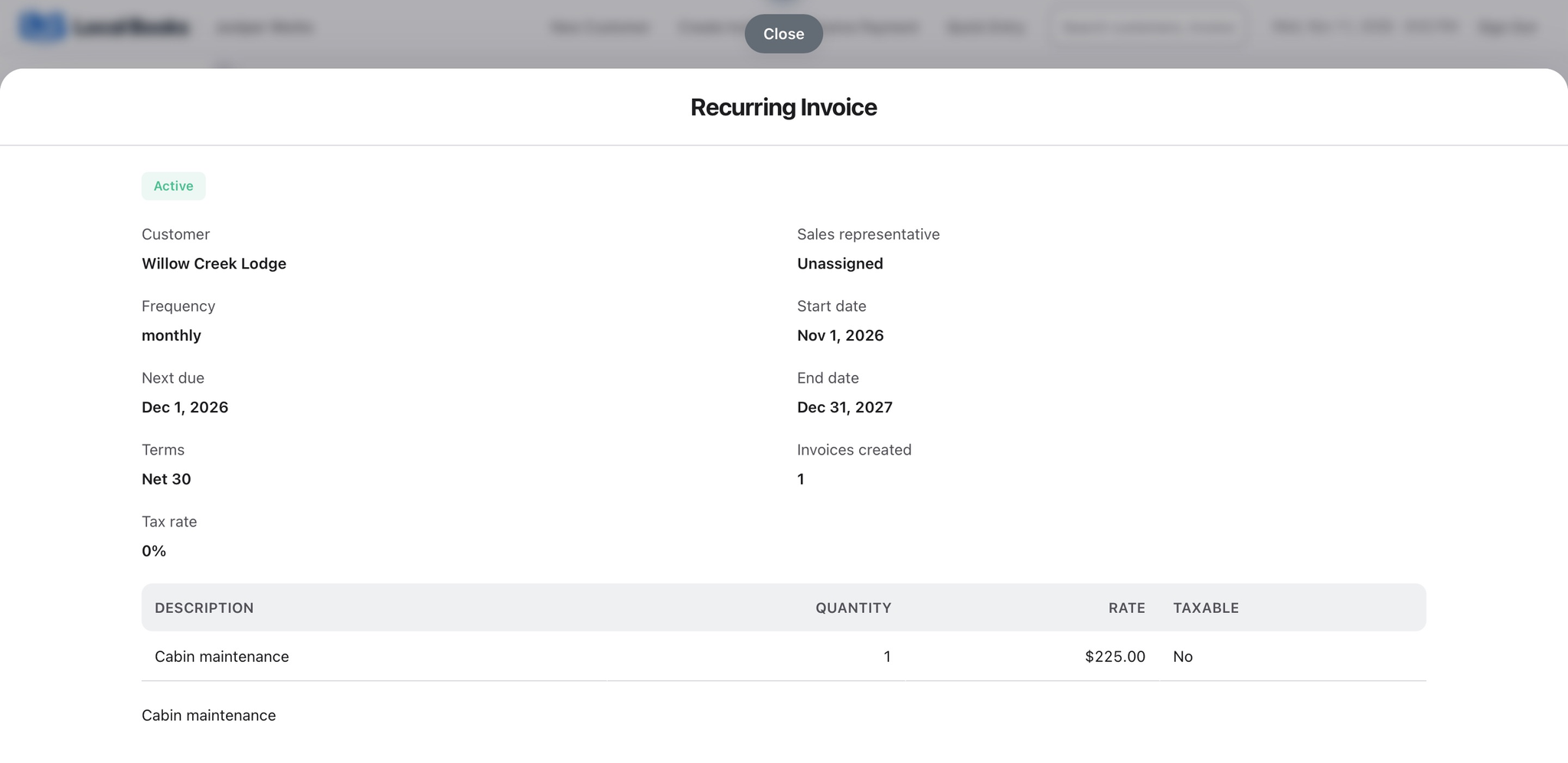
Use recurring invoices where the service agreement calls for regular billing. Quote an approved repair separately and track it as a job when you need its own costs and revenue.
Explore recurring invoices and estimatesAccount for the parts and trips behind a repair
Assign applicable parts purchases and expenses to the job. When the agreement allows a travel charge, record mileage and review the trip lines you want to bill.
Explore job expenses and billable mileageCheck what the repair earned and what is still due
Review recorded job costs and revenue after the work. See open customer invoices and supplier balances before you close the month.
Explore receivables and payables reportsExample workflow
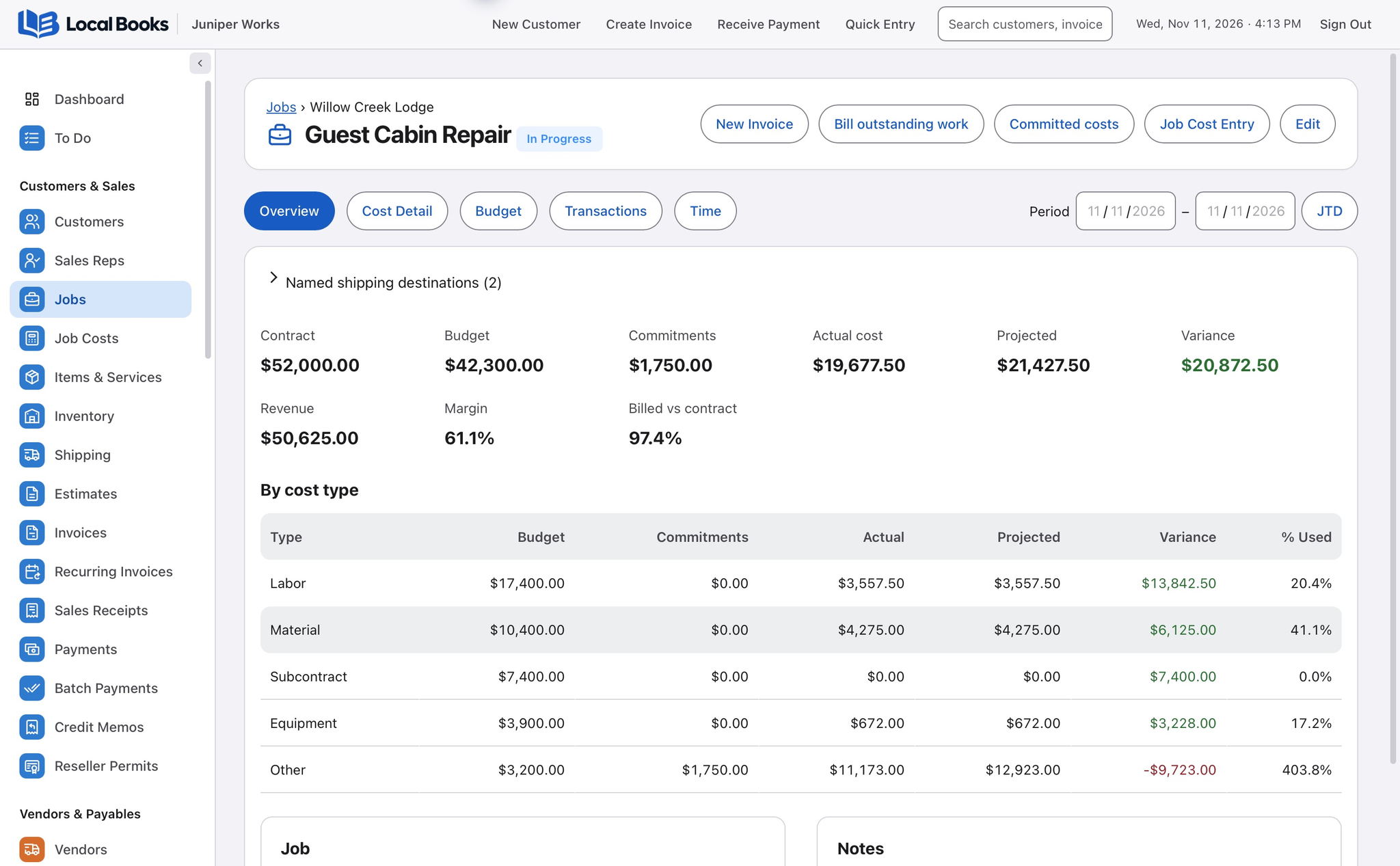
A maintenance firm repairs a guest cabin at a regular site
Distinguish routine work from a repair
Use recurring invoices for the regular service agreement. Quote the repair separately and use a customer job to track its parts, labor and travel. Record any approved changes to the quote before billing the extra work.
Tie parts and travel to the repair
Record supplier bills and applicable expenses against the job. Record mileage and review billable trip lines before invoicing if the agreement allows a travel charge.
Review what each job cost
Use job reports to compare revenue and recorded costs for the repair. Review open customer invoices and supplier balances before closing the month. Prepare staff pay runs from reviewed employee records and time where applicable.
How does this fit work orders?
Keep dispatch, maintenance checklists and asset service history in the tools your crews use. The job record organizes the financial side of the repair.
Own your software and work in books you control
Run your business with either edition
One purchase includes a perpetual license and 12 months of eligible updates. Keep using your version and choose when to buy an optional upgrade. Both editions include the core accounting, sales, purchasing, inventory, job and payroll tools, with no per-user software fees.
Share the same company records
Desktop supports up to five office computers, including the Mac or Windows host. Server has no fixed workstation or concurrent-user limit and supports secure access across locations with the appropriate network setup. It also offers the employee portal when enabled. Staff sign in with their own permissions.
Bring the records you need
Review supported imports or start with reconciled opening balances. Your company files stay on the computer or server you manage.