
Business and accounting software for accounting firms
Spend the review on what changed in the client’s business. Local Books gives accountants separate company books, detailed ledger reports and accounting controls, with no per-company software charge. Keep the firm’s own billing and payroll in the same application, in a separate company file.
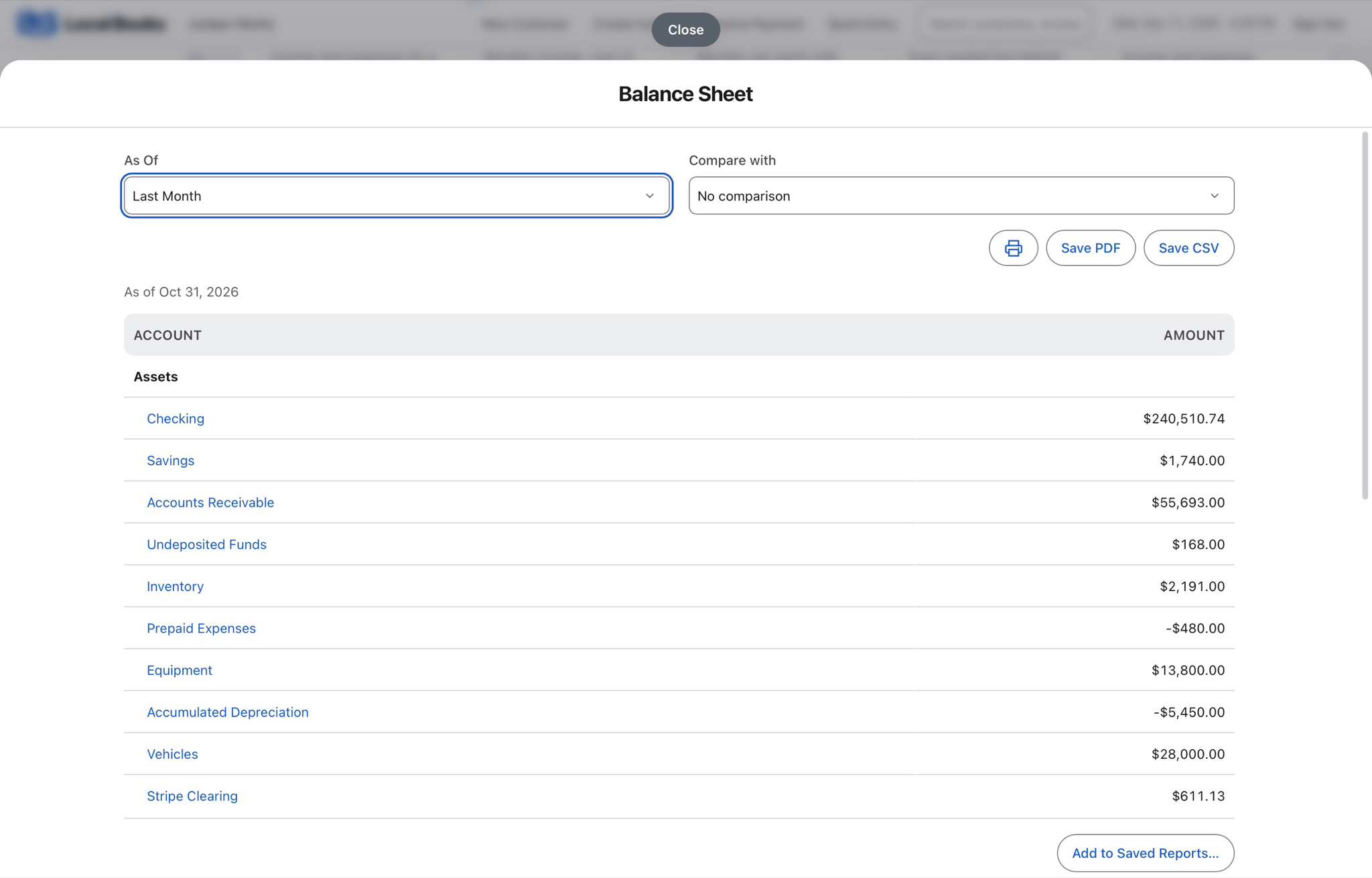
Build your review on books you can examine
Add company files without a per-company software charge
Maintain separate records for each business you serve. Unlimited company files and user accounts are included; choose Desktop or Server for the computers and access your setup needs.
Compare company and office accessGo from balances to review workpapers
Use Accountant Review for a working trial balance, account workpapers, saved snapshots, adjustments and a protected client handoff package. Inspect the underlying ledger and current reports as you review.
Explore financial reportsKeep review responsibilities clear
Give staff individual permissions, use closing controls for completed periods and review recorded changes in audit history. Share report PDFs or CSV detail with the client.
Explore accounting controlsExample workflow
An accountant prepares a client’s month-end review
Keep each company’s records separate
Create a separate company file for each business you maintain. Local Books supports unlimited company files without a per-company software charge. Choose the appropriate host and staff access for each engagement.
Follow a balance back to the ledger
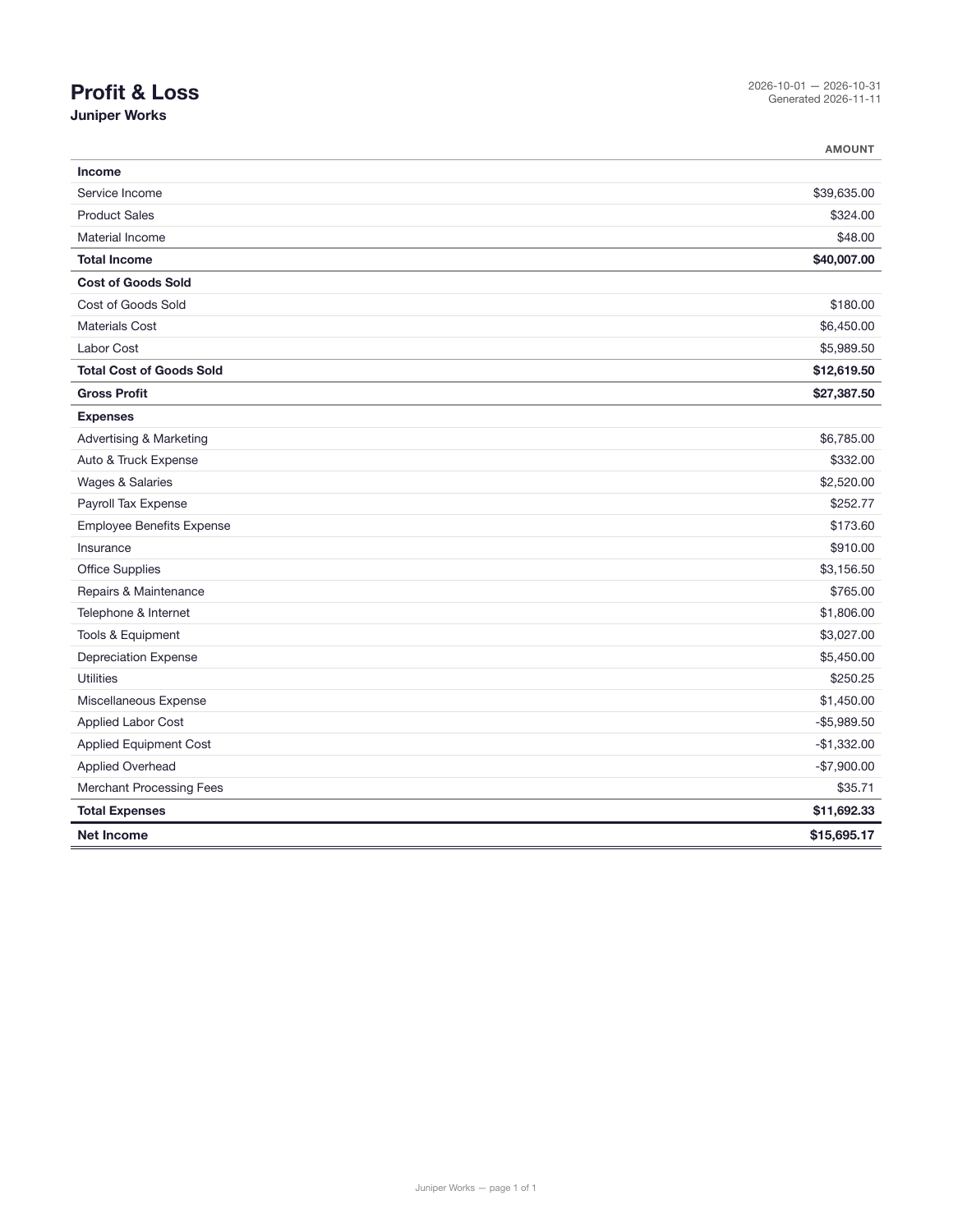
Review the Balance Sheet, Profit & Loss and trial balance for the period. Use General Ledger and account transaction detail to investigate a balance, then record a balanced journal entry when an adjustment is needed.
Complete the review and protect the period
Review bank reconciliation, receivables, payables and applicable payroll liabilities. Use closing controls and staff permissions to protect completed periods, and consult audit history when reviewing recorded changes.
Give the client a useful explanation
Share report PDFs or CSV detail with the owner and explain the changes that matter. Use Local Books for the underlying books and financial reporting alongside your tax preparation and practice management tools.
Own your software and work in books you control
Run your business with either edition
One purchase includes a perpetual license and 12 months of eligible updates. Keep using your version and choose when to buy an optional upgrade. Both editions include the core accounting, sales, purchasing, inventory, job and payroll tools, with no per-user software fees.
Share the same company records
Desktop supports up to five office computers, including the Mac or Windows host. Server has no fixed workstation or concurrent-user limit and supports secure access across locations with the appropriate network setup. It also offers the employee portal when enabled. Staff sign in with their own permissions.
Bring the records you need
Review supported imports or start with reconciled opening balances. Your company files stay on the computer or server you manage.