
Business and accounting software for churches
Give the treasurer and board a clear view of general giving, designated gifts and operating expenses. Local Books keeps donor and fund records with the church’s bills and banking, so a change in treasurer can start from the same books.
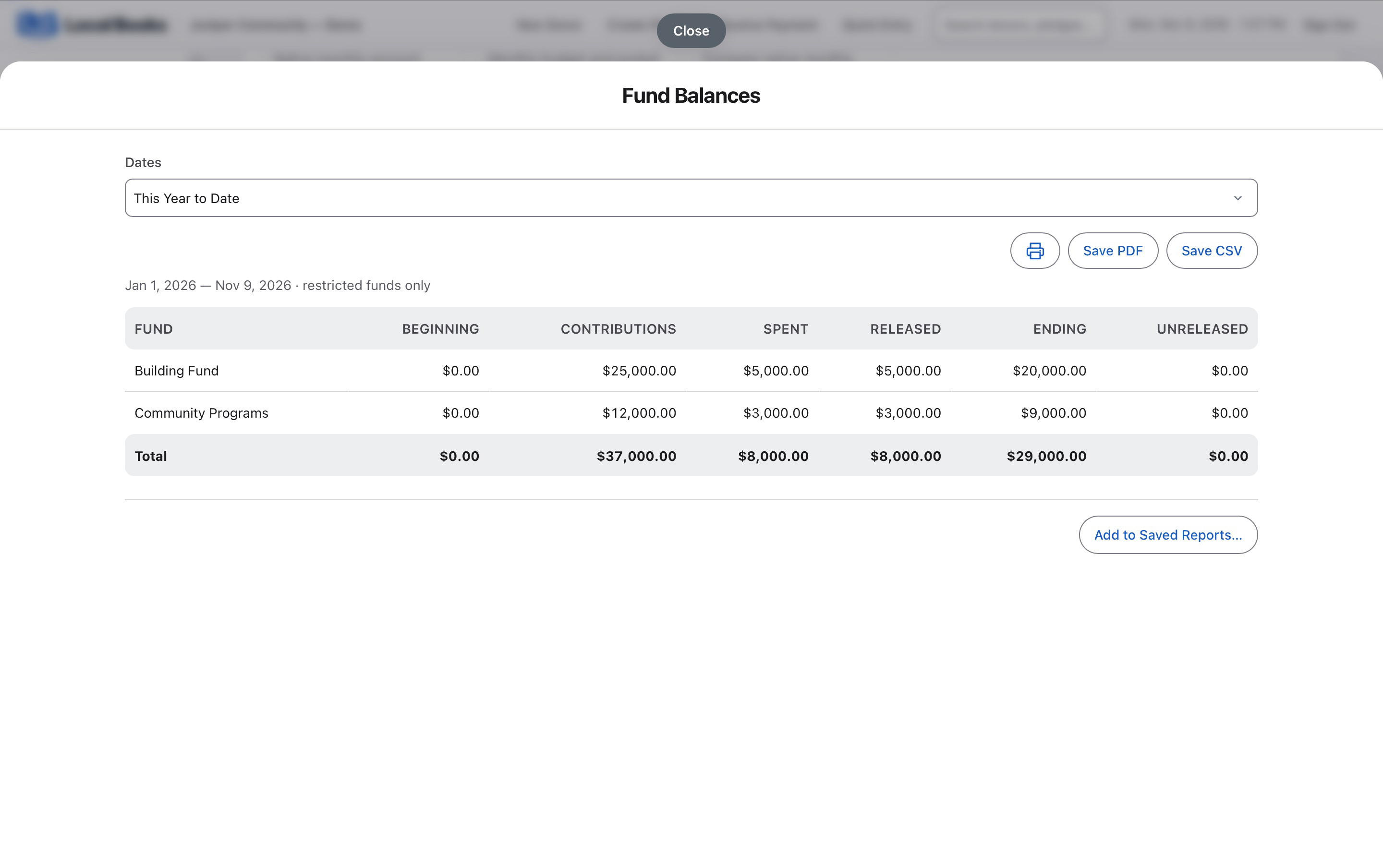
Make designated giving and operating balances clear
Track what was given and where it belongs
Use donor and fund records to distinguish gifts for a building project from general offerings where applicable. Review deposited funds against bank activity and prepare statements for recorded giving.
Explore donor and fund recordsSee what’s available for regular operations
Track project bills alongside the relevant fund activity. Review regular operating expenses and payroll separately so the board can see the commitments the church still needs to cover.
Explore financial reportsShare the books through a treasurer handoff
Give authorized staff or volunteers their own sign-ins and assign the permissions they need. Use the fund and nonprofit statements to walk the next treasurer through recorded balances.
See how staff access worksExample workflow
A congregation tracks gifts for a building project
Distinguish designated gifts from general giving
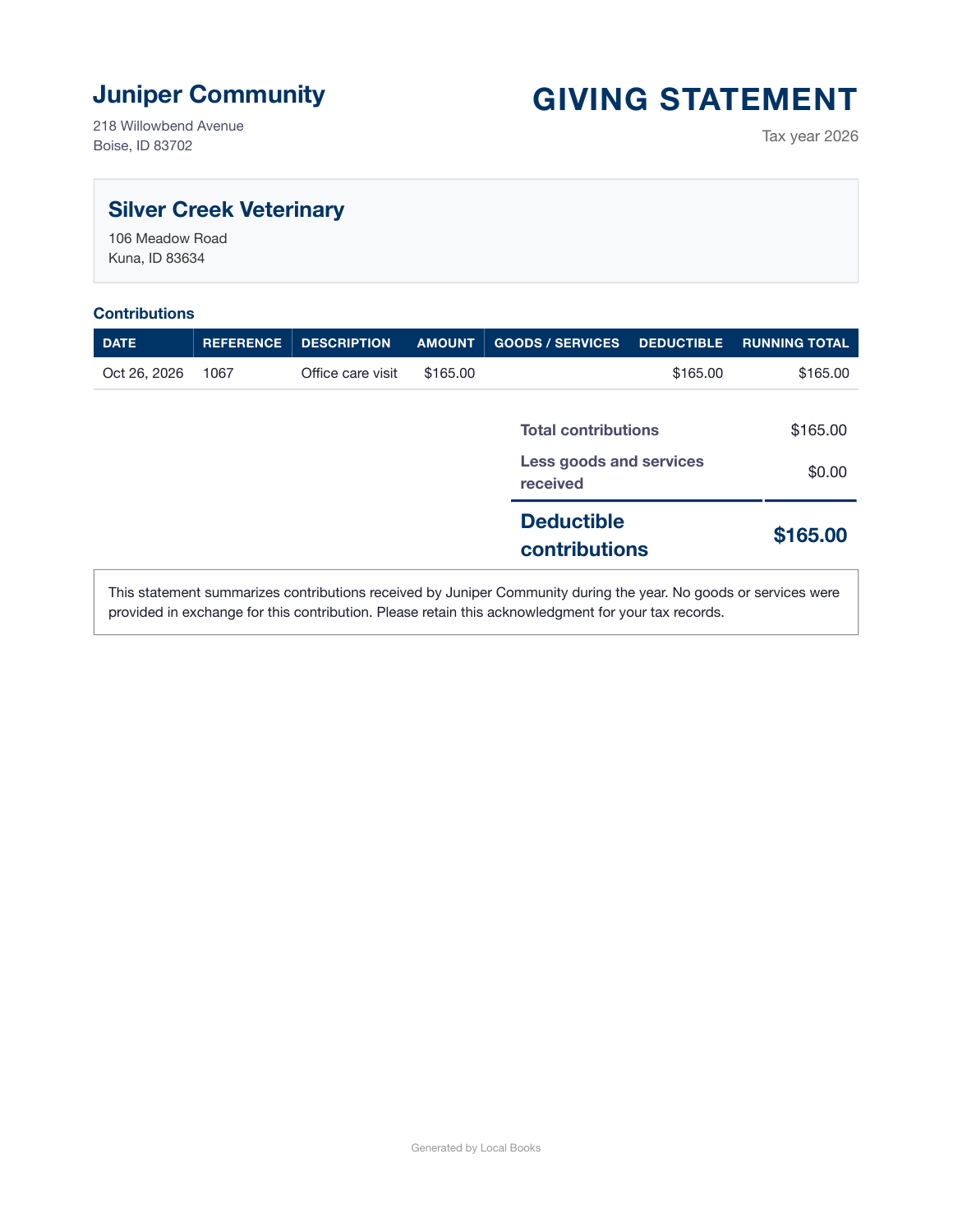
Use donor and fund records to track contributions. Keep building gifts separate from general operating activity where applicable. Reconcile deposited funds with bank activity and review donor giving statements before sharing them.
Review the project alongside operating costs
Record the supplier and contractor bills for the building work and track the appropriate fund activity. Separately review ordinary bills and employee costs so the board can see what is available for operations.
Prepare for the treasurer’s handoff
Use the Fund Balance Report and nonprofit statements to explain the balances. Give approved staff separate sign-ins and use permissions to control who can view, record or review activity.
What should stay in other systems?
Keep congregation management and attendance in the tools you use for those tasks. Confirm any special payroll treatment with your payroll professional.
Own your software and work in books you control
Run your business with either edition
One purchase includes a perpetual license and 12 months of eligible updates. Keep using your version and choose when to buy an optional upgrade. Both editions include the core accounting, sales, purchasing, inventory, job and payroll tools, with no per-user software fees.
Share the same company records
Desktop supports up to five office computers, including the Mac or Windows host. Server has no fixed workstation or concurrent-user limit and supports secure access across locations with the appropriate network setup. It also offers the employee portal when enabled. Staff sign in with their own permissions.
Bring the records you need
Review supported imports or start with reconciled opening balances. Your company files stay on the computer or server you manage.