Which customers still owe us?
Open accounts receivable aging to see open balances by age. Review customer details before following up. Use accounts payable aging for the corresponding question about unpaid vendor bills.
What changed this month?
Compare income and expenses in Profit & Loss, then use the Balance Sheet to see assets, liabilities and equity at a date. Use General Ledger and account transaction detail to see recorded entries. Where a report links to the source, open it to review the underlying transaction.
Where should we look next?
Use Budget vs Actual for planned and recorded amounts, inventory valuation for stock values, and payroll reports for recorded earnings or liabilities. Date ranges, account choices and other filters vary by report. Review coverage notes when information is incomplete.
Keep a report you can use again
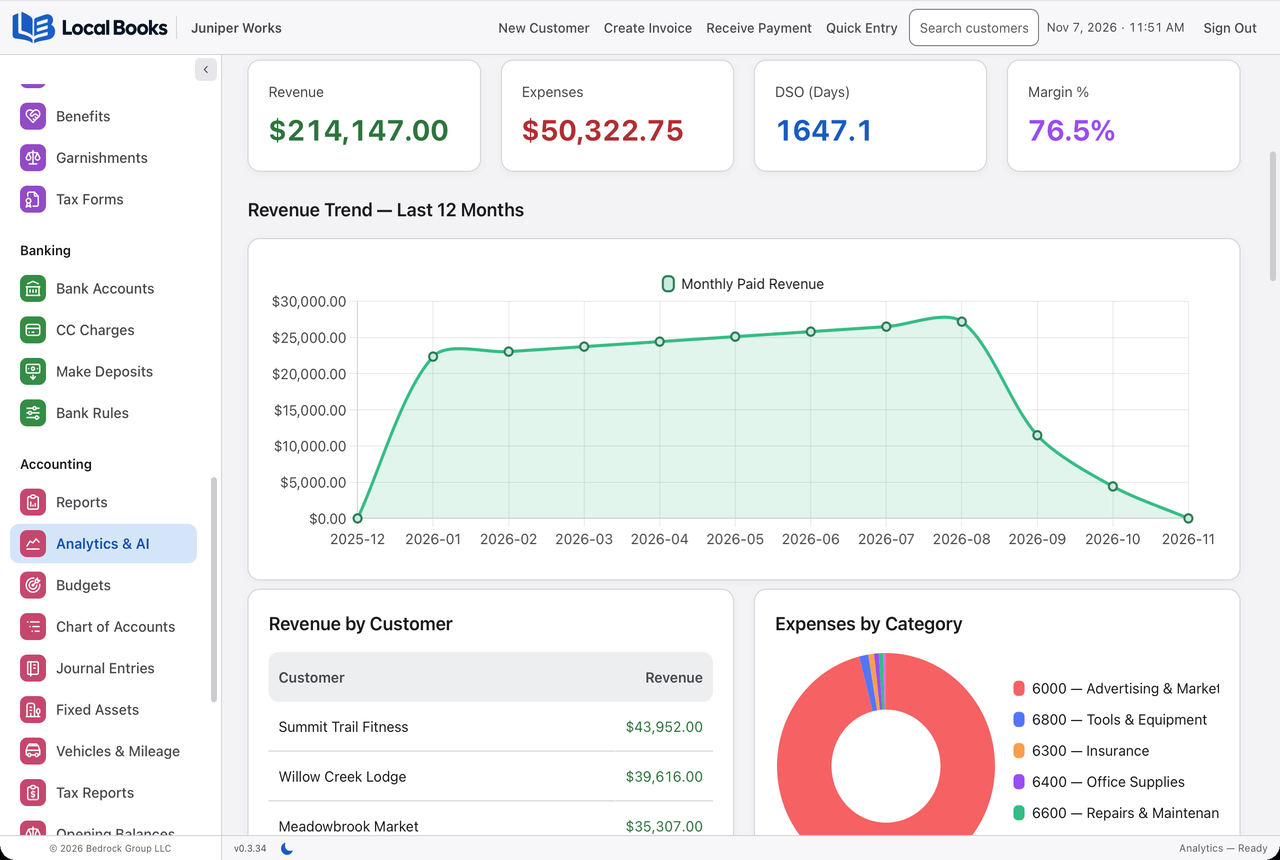
Save settings for supported reports. Use the report’s print, PDF or CSV controls where available to prepare a copy for your team or accountant. Analytics helps you explore revenue, expenses and projected cash activity between reporting periods.
Prepare for month end
Reconcile bank activity and review customer and supplier balances before relying on the financial statements. Match date ranges when comparing reports and check how each one treats drafts, payments and posted transactions. Export the specific period and detail your accountant needs.