
Business and accounting software for electrical contractors
When a panel upgrade or installation runs over, see whether it was the equipment, materials or crew time. Local Books keeps the estimate, purchases, recorded costs and customer payments connected to the job.
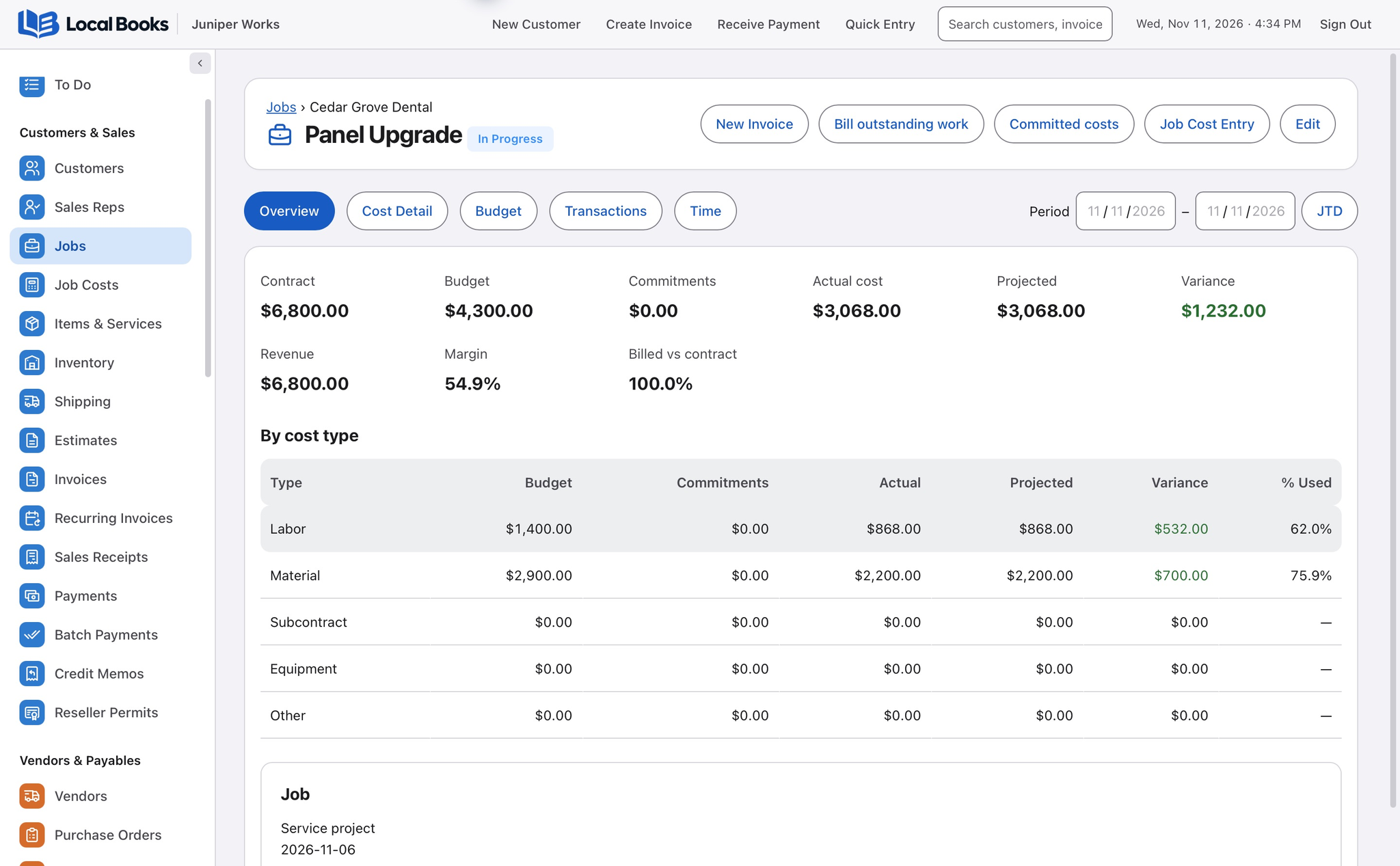
Build a clearer cost history for each installation
Give materials and labor their own budget
Organize costs by job and cost code, such as the panel, breakers and crew labor. Use the budget to see where posted costs differ from what you expected.
Explore job budgets and profitabilityKeep ordered equipment and worked hours in view
Associate applicable supplier orders and bills with the job. Assign eligible crew time before payroll so the hours behind the work can be reviewed in the job records.
Explore payroll and time recordsClose the invoice and review the outcome
Apply customer payments to the invoice, check what remains due and compare the project’s recorded revenue and costs before bidding the next installation.
Explore invoicing and paymentsExample workflow
An electrician quotes a panel upgrade
Separate equipment, materials and labor
Create an estimate for the panel, breakers, wiring and labor. Give the work a job record and use cost codes to organize the amounts you expect to spend.
See what is ordered and what is posted
Associate the supplier order with the job and record bills for what was purchased. Assign applicable crew time to the job and review it before payroll. Use the budget report to compare posted material and labor costs with your estimates.
Close out the customer balance
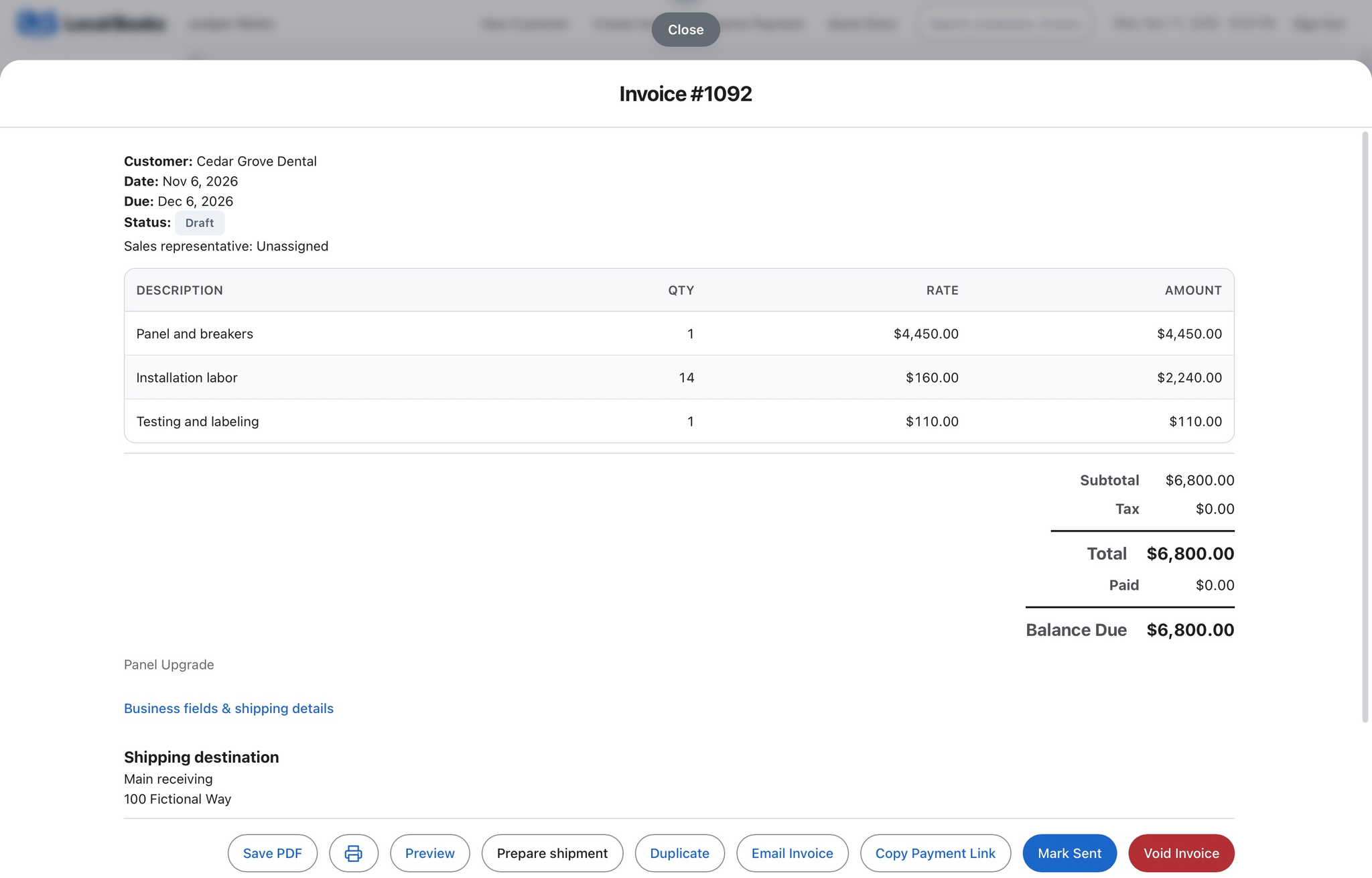
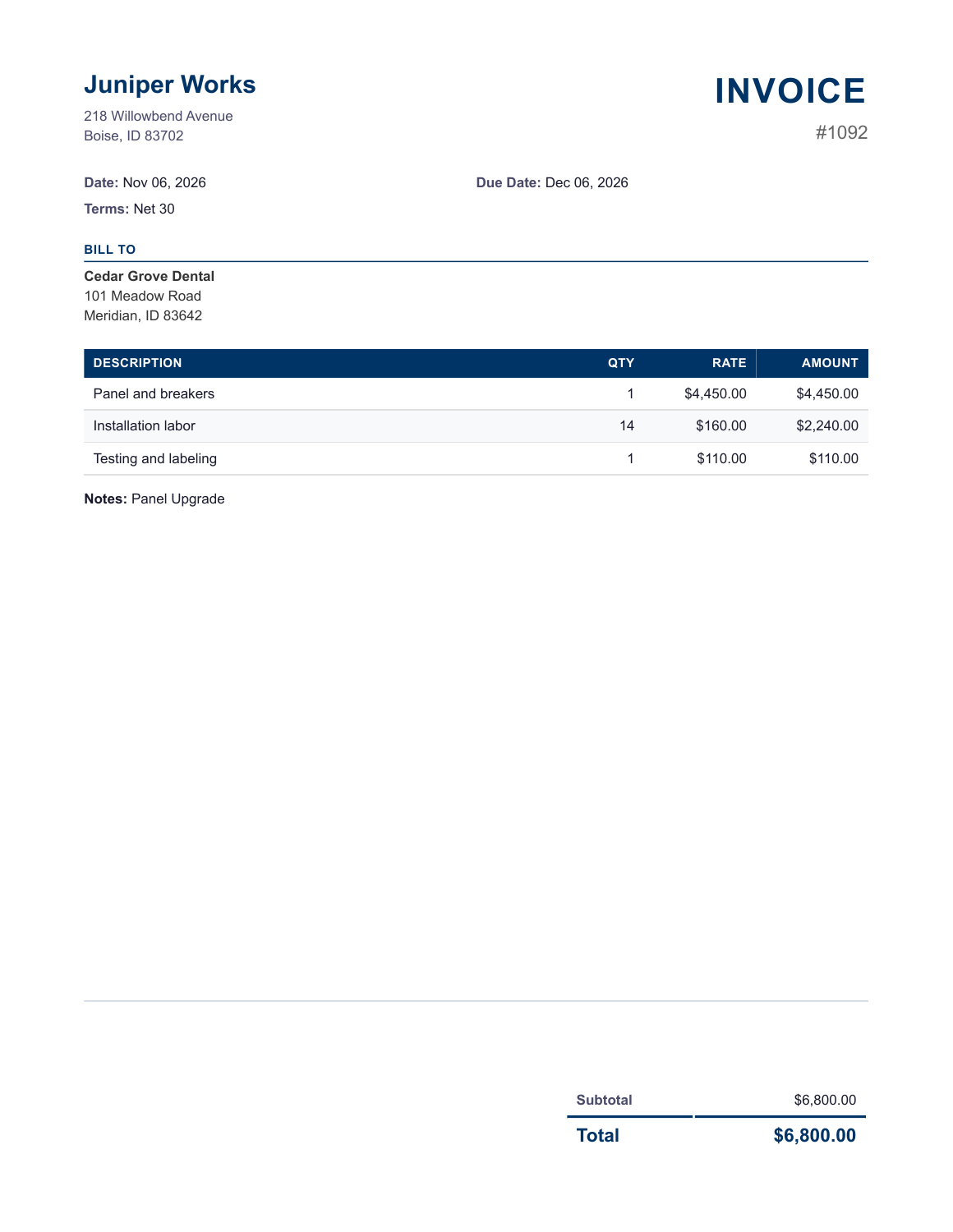
Invoice the work, apply payments and review the job’s revenue and recorded costs. Use what you learned when pricing a similar installation.
What remains with the trade tools?
Keep separate estimating databases, inspection records and certified-payroll processes if your contracts require them.
Own your software and work in books you control
Run your business with either edition
One purchase includes a perpetual license and 12 months of eligible updates. Keep using your version and choose when to buy an optional upgrade. Both editions include the core accounting, sales, purchasing, inventory, job and payroll tools, with no per-user software fees.
Share the same company records
Desktop supports up to five office computers, including the Mac or Windows host. Server has no fixed workstation or concurrent-user limit and supports secure access across locations with the appropriate network setup. It also offers the employee portal when enabled. Staff sign in with their own permissions.
Bring the records you need
Review supported imports or start with reconciled opening balances. Your company files stay on the computer or server you manage.