
Business and accounting software for construction firms
See where a project stands before the next supplier bill lands. Local Books tracks budgets, recorded costs and applicable purchase orders by job, so a builder can review materials and labor while the work is still underway.
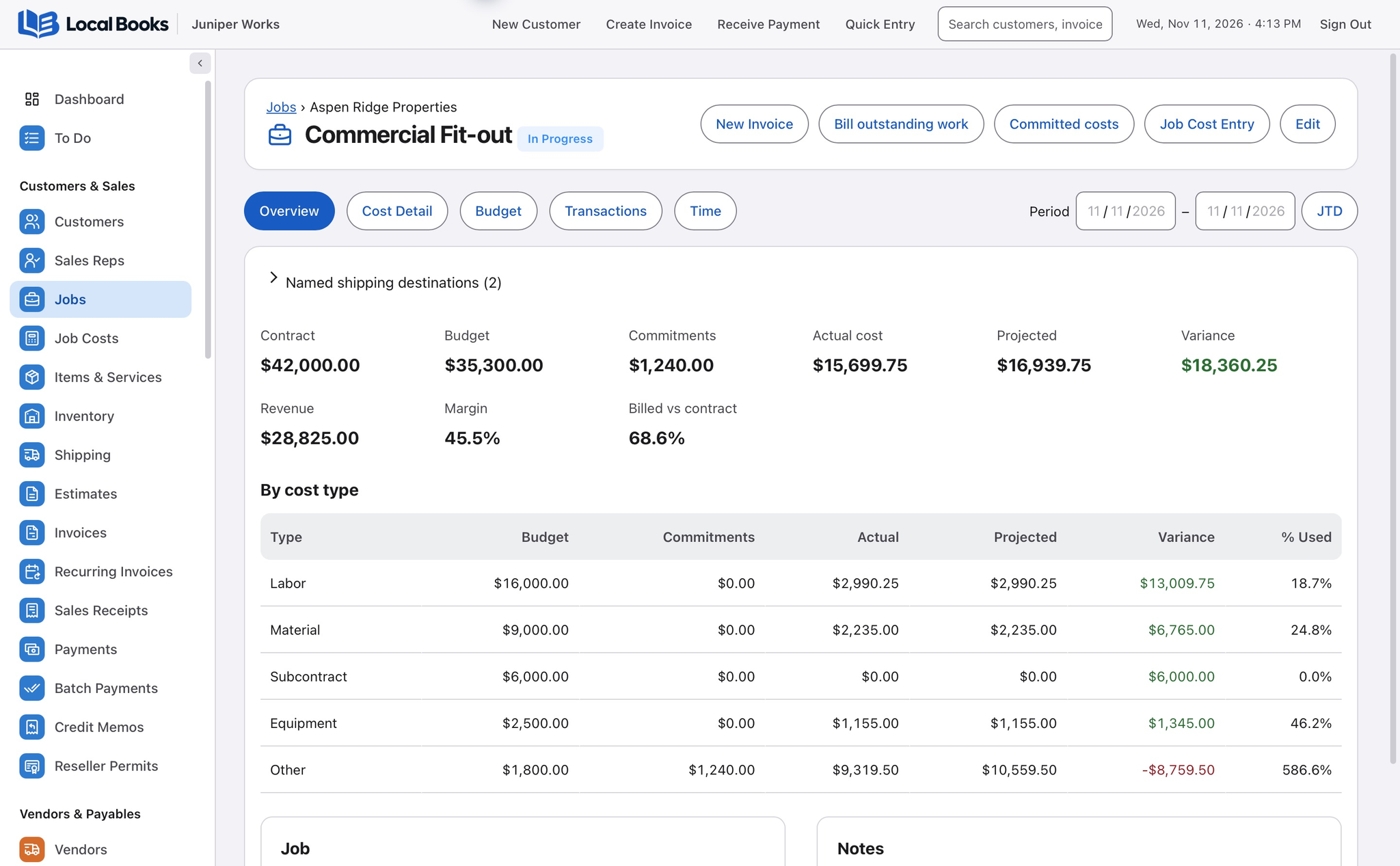
See what’s committed and what the job earns
Price and budget the work by job
Prepare a customer estimate and set up a budget with cost codes for materials, labor and other costs you want to track. Give the office a common job record when orders and bills come in.
Explore job budgets and cost codesSee posted costs and what’s still on order
Use Job Budget vs Actual to review posted spending. Check open purchase orders alongside it before deciding how much of the project budget is still available.
Use finished jobs to inform the next bid
Invoice the agreed work and track collections. Job Profitability shows recorded revenue and costs for the project so you can review the outcome before pricing similar work.
Explore reportingExample workflow
A builder reviews the cost of a small commercial fit-out
Budget the work before buying
Set up the customer job and use cost codes for the work you want to track, such as framing materials and labor. Prepare an estimate and associate applicable purchase orders with the job.
Separate ordered amounts from actual spending
Record vendor bills, expenses and applicable employee time against the job. Review Job Budget vs Actual for posted costs and look separately at open orders. An amount on an unreceived order can still matter to the budget.
Bill and review the finished job
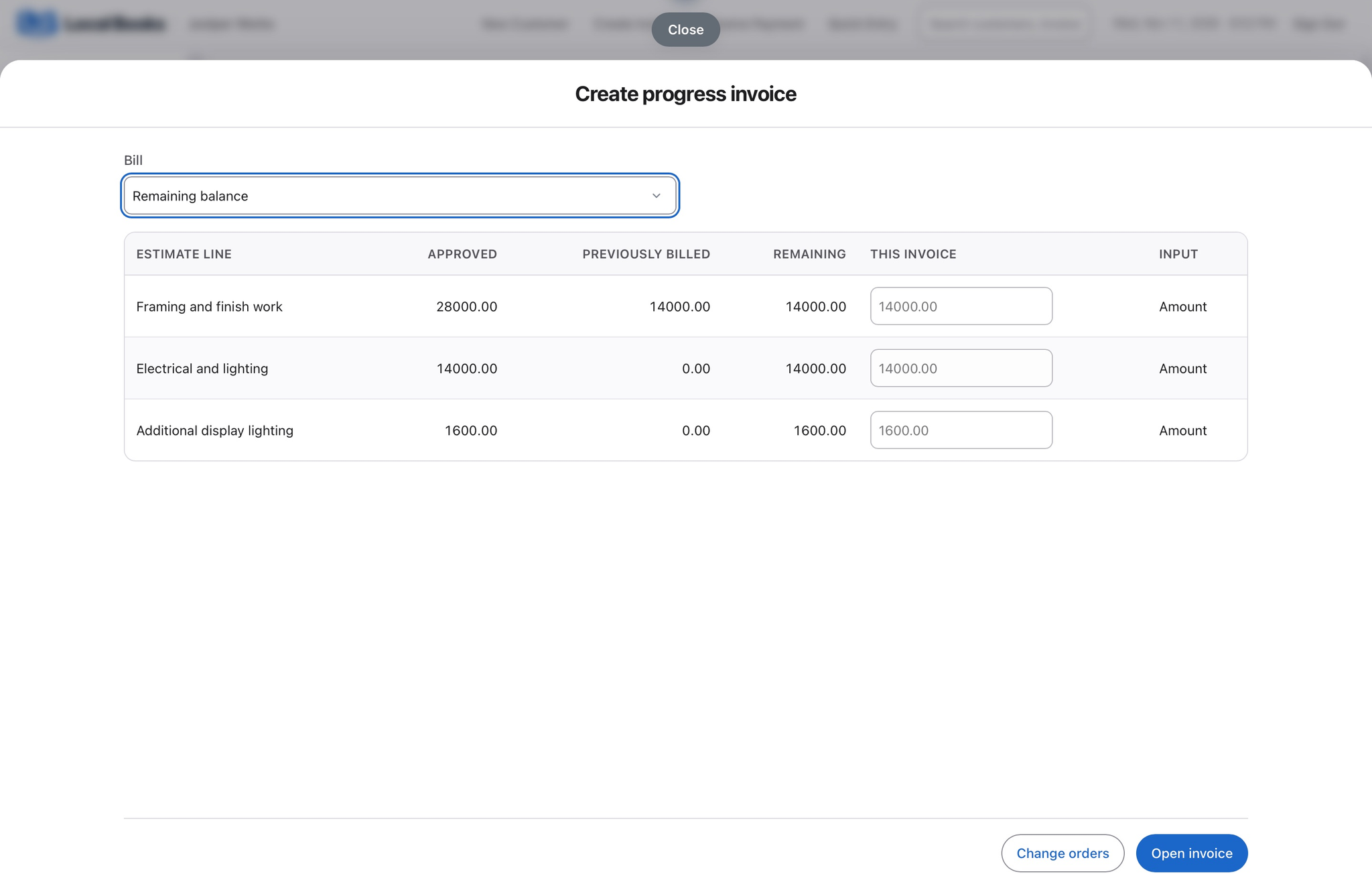
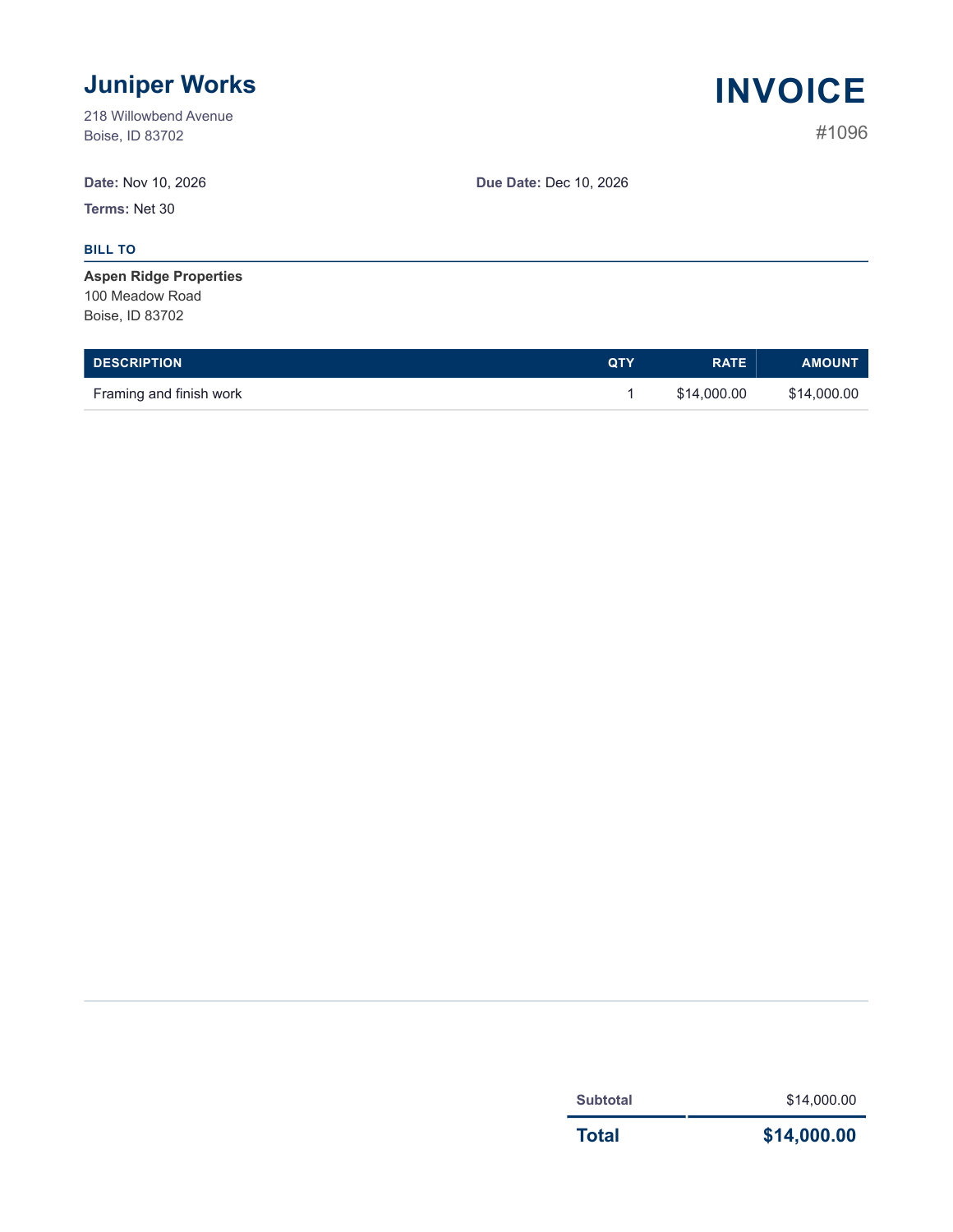
With Estimate progress billing enabled, bill an accepted estimate by percentage, selected lines or remaining balance. Review what was billed earlier before saving the next invoice. Compare job revenue and recorded costs in Job Profitability before pricing the next project.
Which contract workflows should I check?
Record scope changes on the estimate and review an approved change against the existing job budget. Check contract requirements for retainage, certified payroll or other specialist reporting separately before switching.
Own your software and work in books you control
Run your business with either edition
One purchase includes a perpetual license and 12 months of eligible updates. Keep using your version and choose when to buy an optional upgrade. Both editions include the core accounting, sales, purchasing, inventory, job and payroll tools, with no per-user software fees.
Share the same company records
Desktop supports up to five office computers, including the Mac or Windows host. Server has no fixed workstation or concurrent-user limit and supports secure access across locations with the appropriate network setup. It also offers the employee portal when enabled. Staff sign in with their own permissions.
Bring the records you need
Review supported imports or start with reconciled opening balances. Your company files stay on the computer or server you manage.