
Business and accounting software for retail shops
Know what to reorder, what you owe suppliers and whether the week’s sales made it into the bank. Local Books brings stock, bills, payroll and accounting into the same records, so the decisions you make on the shop floor carry through to the books.
Keep the shop stocked and the books current
Reorder with a clearer view of the shelf
Use on-hand quantities and reorder points to plan purchases. Scan barcodes during a count and review differences before updating the books.
Explore inventory and barcode scanningKeep a short delivery visible
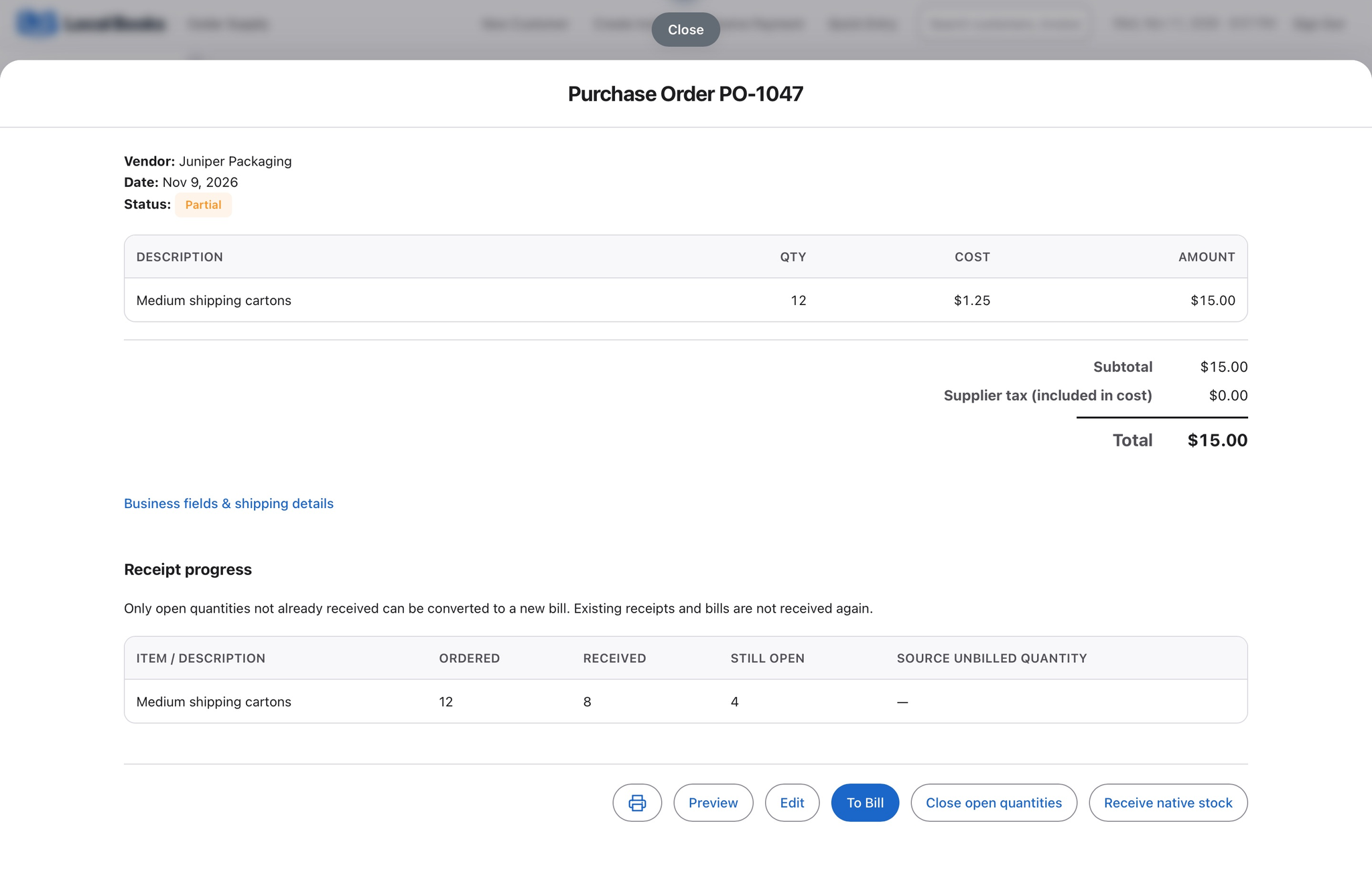
Receive the units that actually arrived against the purchase order. When a supplier splits a shipment, the open quantity tells you what to chase before the next busy weekend.
See how partial receiving worksSee how sales translate into cash
Reconcile deposits against recorded sales and payments. Review supplier balances, stock value and shop wages before deciding how much to commit to the next order.
Explore accounting reportsExample workflow
A homewares shop restocks before a weekend sale
Buy and receive at different times
The shop orders 12 shipping cartons but receives 8. Record the delivery against the purchase order and keep the 4 missing cartons open until they arrive or the supplier cancels the balance. Record or match the supplier bill according to how you received the goods.
Record sales and check what’s on the shelf
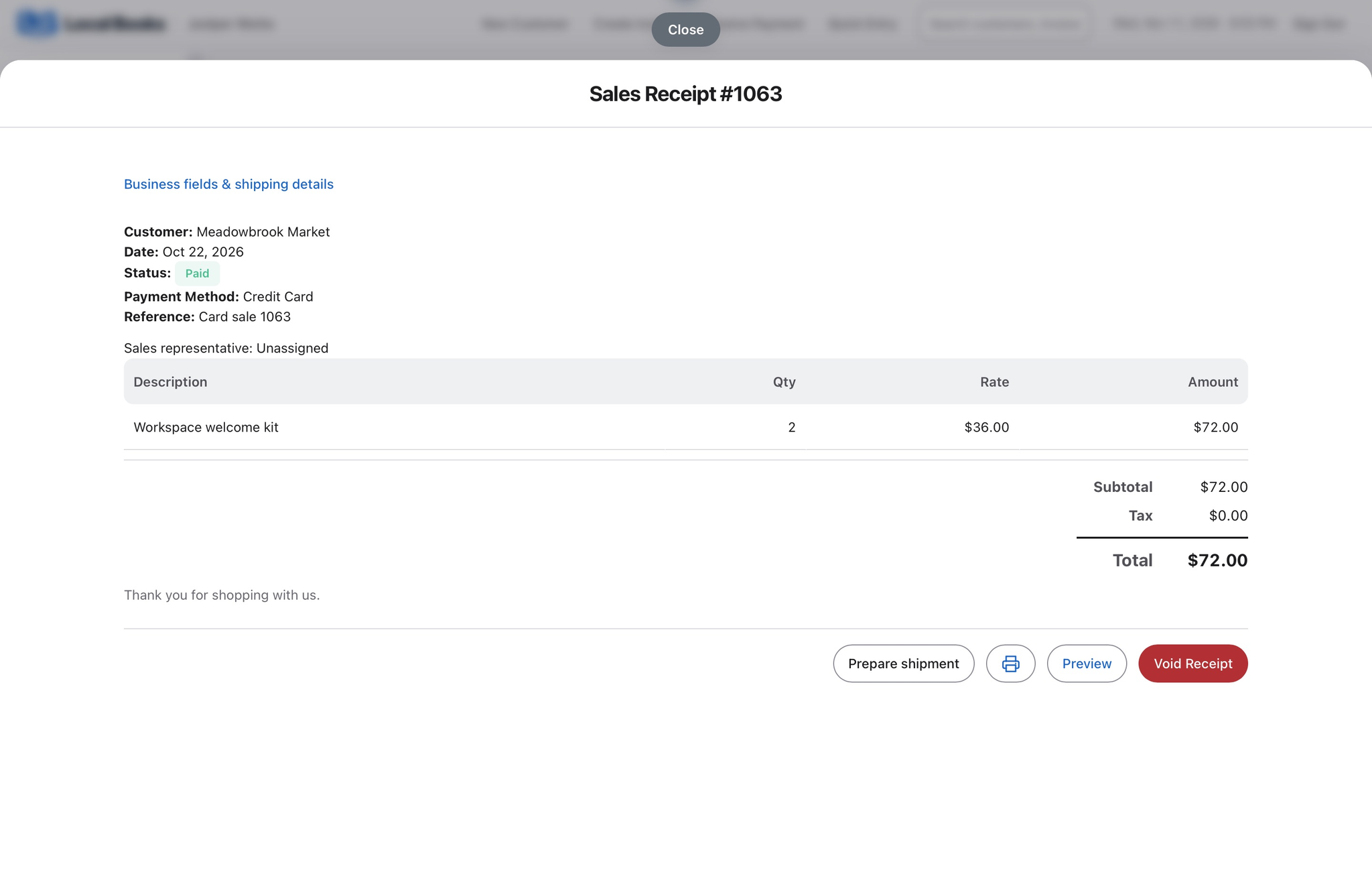
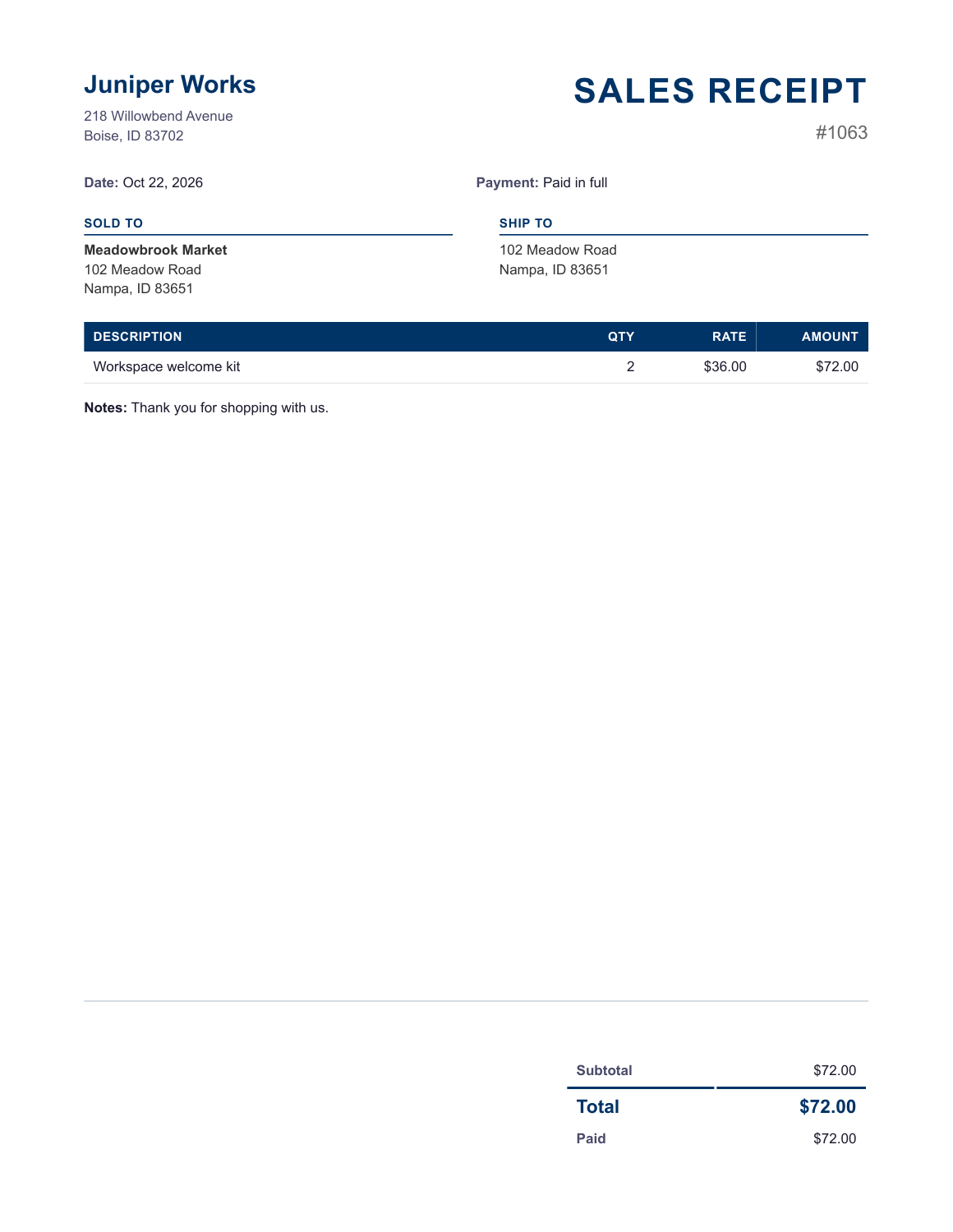
On a sales receipt, select the customer or Walk-in Customer. If mobile inventory scanning is enabled, use the paired Local Books Companion app to scan products into the open receipt. Review quantities and prices before saving, then use stock and reorder reports to plan the next purchase.
Tie the week back to the bank
Review recorded sales and expenses, outstanding supplier bills and stock value. Reconcile deposits against the bank statement and run payroll for shop staff when due.
What if I already use a register?
Use your register for checkout and confirm how its sales and settlement records will reach your books before switching. Test the treatment of stock and sales tax on a small sample first.
Own your software and work in books you control
Run your business with either edition
One purchase includes a perpetual license and 12 months of eligible updates. Keep using your version and choose when to buy an optional upgrade. Both editions include the core accounting, sales, purchasing, inventory, job and payroll tools, with no per-user software fees.
Share the same company records
Desktop supports up to five office computers, including the Mac or Windows host. Server has no fixed workstation or concurrent-user limit and supports secure access across locations with the appropriate network setup. It also offers the employee portal when enabled. Staff sign in with their own permissions.
Bring the records you need
Review supported imports or start with reconciled opening balances. Your company files stay on the computer or server you manage.