1. Find the open order
Open Purchase Orders and select the supplier order. Check the ordered and already received quantities before entering the delivery. In Inventory, open Receiving to work with a goods receipt when stock arrives before the bill.
2. Enter only what you received
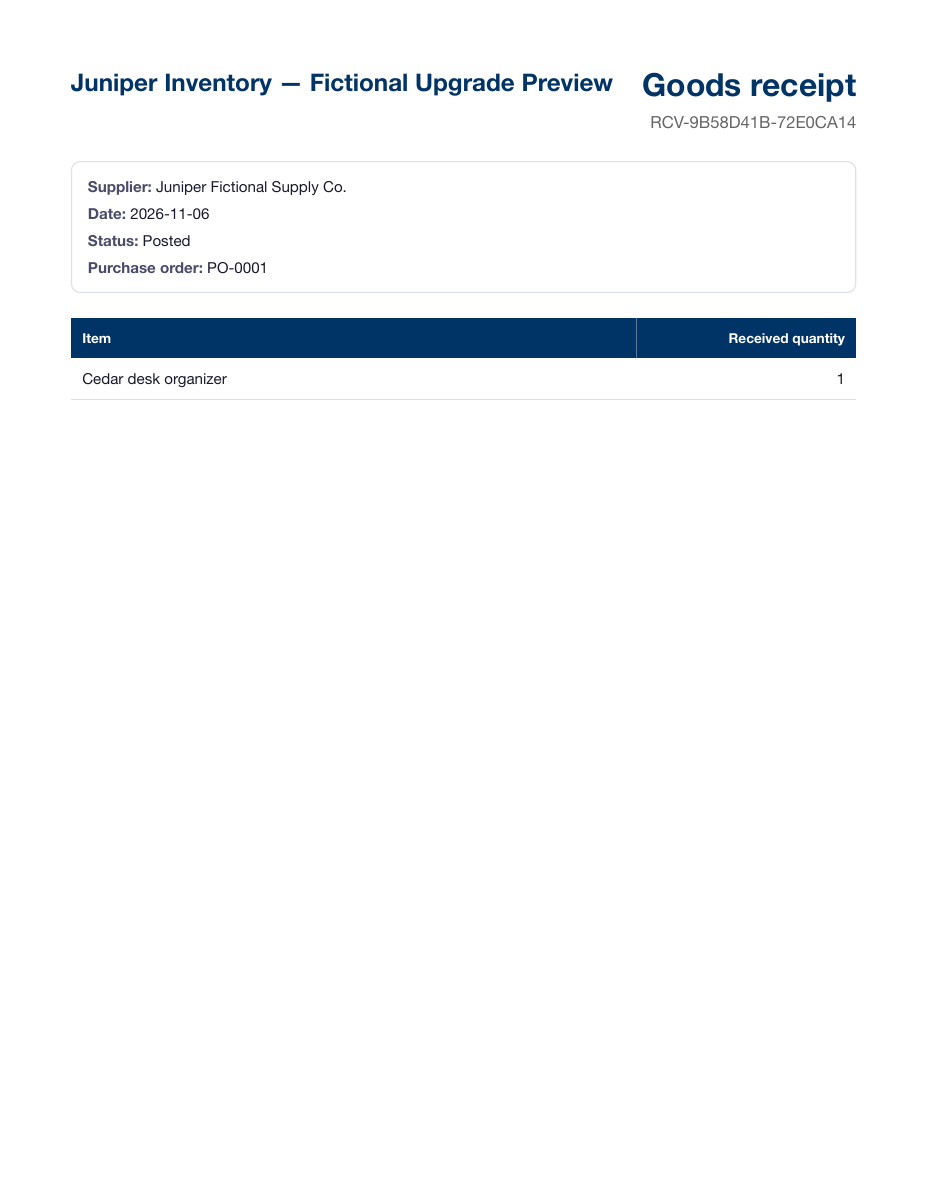
Select the purchase order and enter the quantities actually delivered. If 10 of 15 units arrived, record 10. Check units of measure and any applicable location, lot or serial details before posting the receipt.
When your receiving workflow combines the receipt and bill, use Receive and bill when both are ready to record. Use the separate receipt workflow when the bill arrives later.
3. Review the remaining balance
Return to the order and check receipt progress. Leave the five units open if the supplier will send them. Receive those units against the same order when they arrive. Match the supplier bill to the existing receipt where applicable so the units are not received twice.
4. Close a balance that will never arrive
For a standard open purchase order, choose Close open quantities from the order detail and review what is being closed. Previously recorded receipts remain in place. Orders linked to fulfillment or direct delivery follow their own close workflow.