
Business and accounting software for convenience stores
Local Books gives store owners a place to reconcile register deposits, track supplier bills and prepare staff payroll. See what reached the bank after processing fees, what the next deliveries will cost and which bills need paying.
Know what the store brought in and what it owes
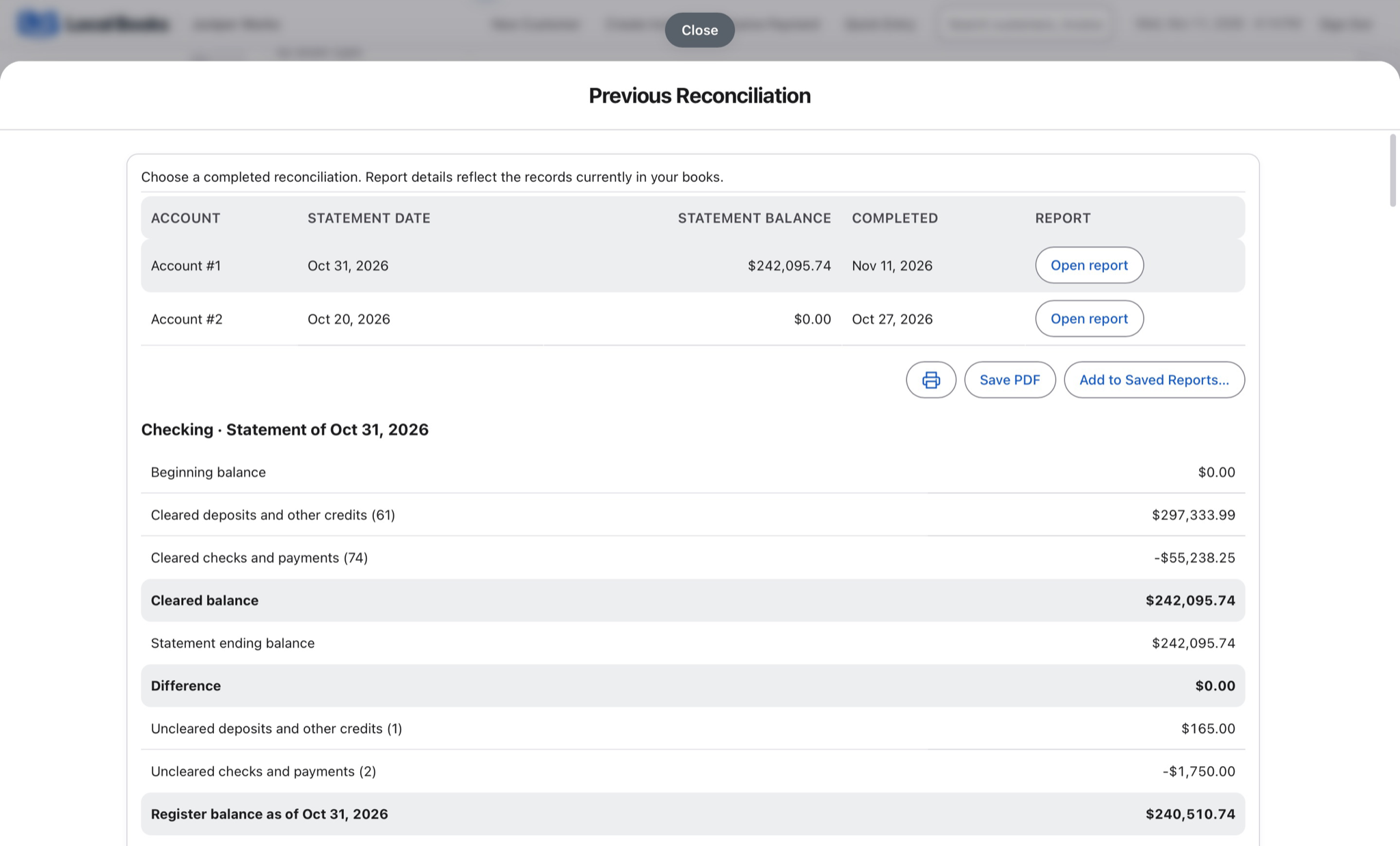
Match deposits to the store’s sales
Use the settlement detail from your checkout or payment processor to account for sales and fees. Reconcile the actual deposits against the books so the same sale is recorded once.
Explore banking and reconciliationKeep deliveries and supplier bills straight
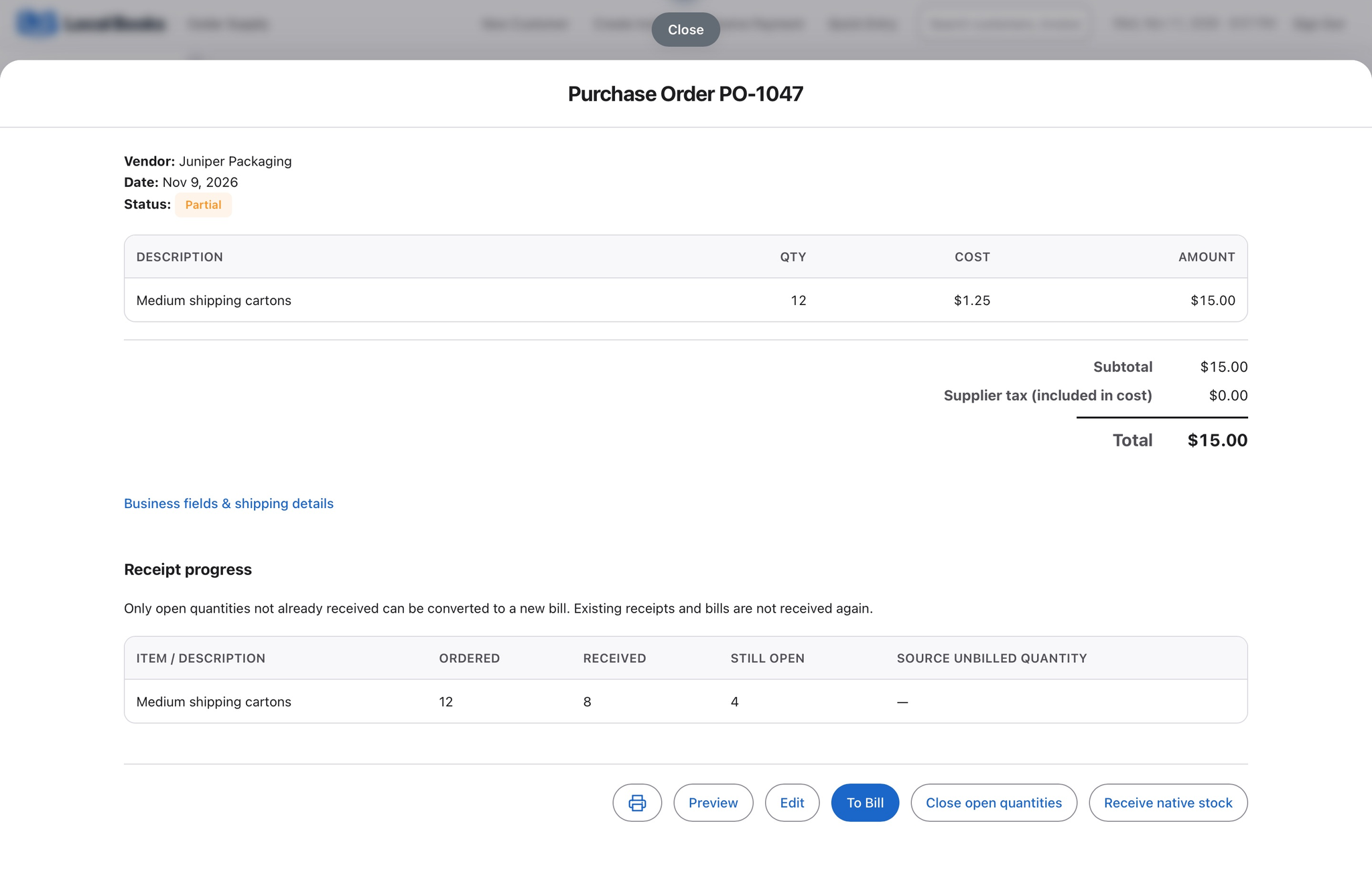
Track due dates for drinks, snacks and other vendor purchases. When you carry stock in Local Books, record the goods you own as they arrive and check the quantities against the delivery.
See how inventory worksReview the cost of covering the store
Review employee hours before payroll and compare recorded wages, purchases and other expenses with sales in your month-end reports.
Explore payroll and employee recordsExample workflow
A store reconciles deposits at the end of October
Keep vendor records even when suppliers stock the shelves
Record bills for drinks, snacks and other purchases with the supplier and due date. When you track stock in Local Books, receive the items you own and verify quantities against the delivery. For vendor-managed stock, agree which system tracks ownership and units before deciding what to record.
Follow payments from checkout to bank
Use your register or processor’s records to reconcile deposits and fees. If you also record sales or import bank activity, match the deposit to the activity already in the books so it does not become a second sale.
Review costs alongside sales
Use income and expense accounts to separate categories that matter to the store. Review supplier balances, wages and bank reconciliation together at month end.
Will this run my checkout?
Keep a dedicated checkout system for any register, fuel or other specialist workflows you rely on. Local Books covers your books, payroll and applicable inventory records.
Own your software and work in books you control
Run your business with either edition
One purchase includes a perpetual license and 12 months of eligible updates. Keep using your version and choose when to buy an optional upgrade. Both editions include the core accounting, sales, purchasing, inventory, job and payroll tools, with no per-user software fees.
Share the same company records
Desktop supports up to five office computers, including the Mac or Windows host. Server has no fixed workstation or concurrent-user limit and supports secure access across locations with the appropriate network setup. It also offers the employee portal when enabled. Staff sign in with their own permissions.
Bring the records you need
Review supported imports or start with reconciled opening balances. Your company files stay on the computer or server you manage.