Moving your books
Switching accounting software: a checklist for business owners
A fresh start should make bookkeeping easier. Here is what to bring, what to check, and when to switch.
Changing accounting software should give you a better way to run the business. It should not mean spending the next month wondering whether an invoice disappeared or a bill was entered twice.
You can make the move easier with a short plan. Choose a starting date, keep a copy of the old records, and check a few important figures before the new system becomes the one everyone uses.
Choose a sensible starting date
The start of a month is often convenient because it gives you a clear dividing line. Finish the previous month’s entries, check your bank balances, and agree when the new software takes over. You do not have to wait until a new year if another date makes sense for the business.
Tell everyone who enters transactions. Once you switch, new invoices, bills and payments should go into the new system. Keeping both systems running without a clear plan creates more work than it saves.
Keep the records you already have
Save a backup of your existing books and copies of the reports you use most. At a minimum, keep your balance sheet, profit and loss, unpaid invoices, unpaid bills, and bank reconciliation reports for the date you are moving.
You may want years of history in the new system, or you may prefer a fresh starting point with balances and outstanding transactions. Ask what your chosen software can bring across before you decide. The old records should remain available either way.
Check who owes you and who you owe
Unpaid invoices and bills deserve a close look because they affect real conversations with customers and suppliers.
Suppose a customer has paid $600 toward a $1,000 invoice. Your new system should show $400 left to collect. If it shows the full $1,000, you could ask the customer to pay money they have already sent. If it shows nothing, you could miss a payment you are still owed.
| Check before switching | What should agree |
|---|---|
| Customer invoices | Who owes you, the invoice number, and the amount still unpaid |
| Supplier bills | Who you owe, due dates, and remaining balances |
| Customer and supplier credits | Credits still available to apply |
| Bank accounts | Balances and payments or deposits that have not cleared |
| Stock, if you carry it | Item quantities and inventory value |
| Payroll, if you run it | Employee details and year-to-date pay and deductions |
Check the stock workflow as well as the opening balance
If you carry inventory, verify item numbers and barcodes, buying and selling units, quantities and stock value. If you use locations, bins, lots or serial numbers, confirm how those records will be entered or transferred before enabling the corresponding controls. Do not assume an import carries every warehouse detail or historical stock movement.
Try a partial supplier delivery, a sale and a physical count in a test company. Compare the resulting stock value and accounting reports before posting opening stock in the live company. Local Books supports these workflows, but the supported migration routes determine which records can be brought across automatically.
Compare the reports side by side
Use the same date and reporting period in both systems. Start with the balance sheet and profit and loss, then look at outstanding invoices and bills. If something differs, find out why before you start adding new transactions.
Your bookkeeper or accountant can help with the final check. Give them both sets of reports and the date you plan to switch. In Local Books, Accountant Review can keep account workpapers and a saved review snapshot; a protected handoff package lets the accountant prepare proposals for you to inspect before applying. A focused review is far easier than trying to untangle differences after another month of business has been entered.
Try the jobs you do every week
Before moving the whole team across, walk through an ordinary day in the new software. Create an invoice, record a payment, enter a bill, and find the reports you depend on. Check your document logo, payment details, and email settings too.
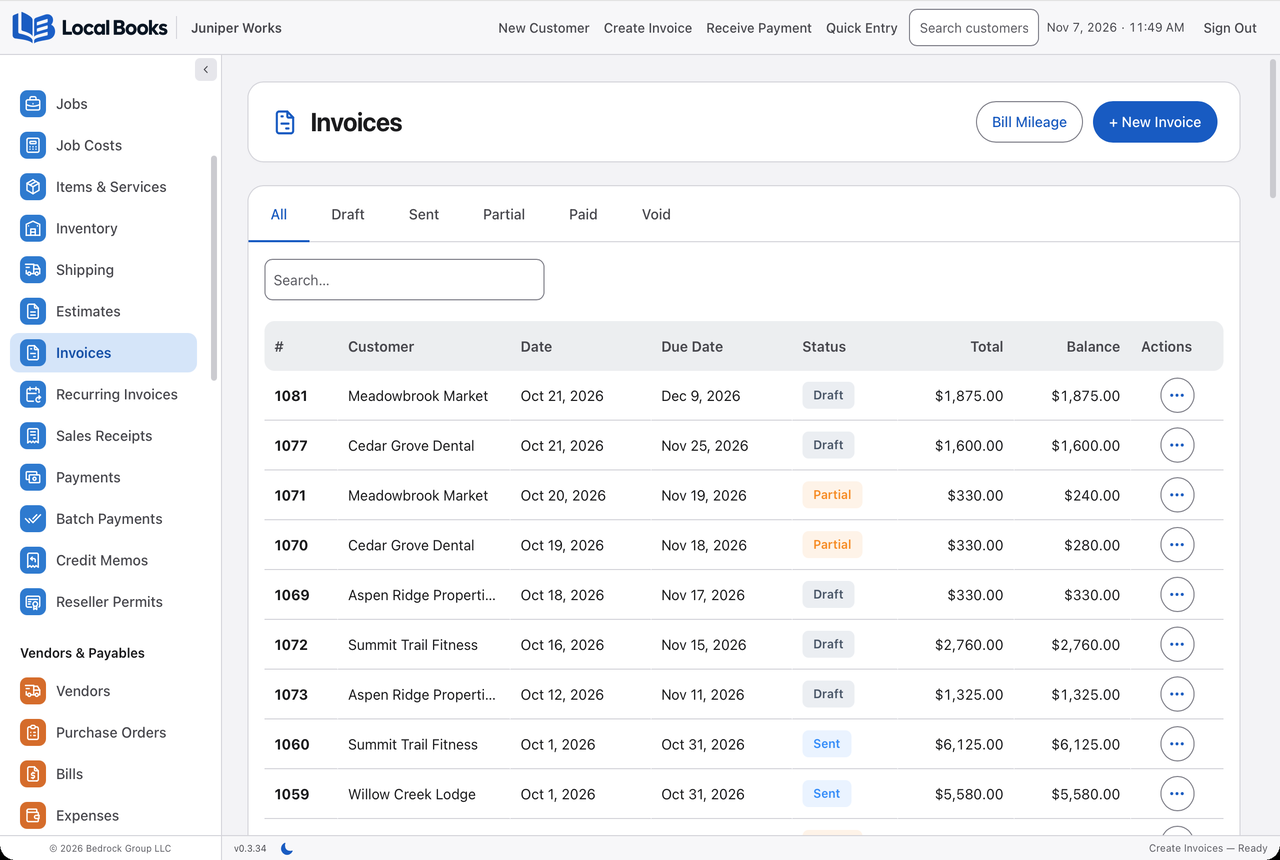
This is also a good time to set up the tools you wanted from the change. In Local Books, that might mean keeping job costs beside the accounting, tracking stock, or bringing payroll records into the same application. A move is more useful when it improves the work, not just replaces the screen.
Make the handover clear
Choose one person to keep track of the move and any questions still to resolve. Make sure staff know where to work, where to find earlier records, and whom to ask if something does not look right.
For a move into Local Books, use the user manual for the instructions that match your current software. Keep the technical steps there; the business goal is simpler: the balances agree, outstanding items are accounted for, and everyone knows where the next transaction belongs.
If you are evaluating Local Books, see the supported routes and reconciliation steps before choosing which history to move.
Written by Local Books. We make Local Books and link to the sources used in this article. Product information checked October 28, 2026.