Choosing software
Desktop or cloud accounting: which suits your business?
Work from your own computer or sign in online? Start with your working day, not the technology.
If you spend most of your working day at the same desk, paying every month to reach your own books through a website may not feel like much of an advantage. If you and your bookkeeper work in different places, that online access may be exactly what you need.
Both approaches can handle serious accounting. The useful question is which one makes your business easier to run, at a cost you are comfortable paying year after year.
Start with an ordinary workday
Picture the tasks you actually do: send an invoice, enter a supplier bill, check who owes you money, pay your staff, and look at the month’s profit. Desktop accounting keeps that work on the computer where the software is installed. Cloud accounting lets you sign in to a service through the internet.
Local Books Desktop runs on Mac or Windows and keeps company records on your host computer. It includes five office computers total: the host plus four connected workstations, so your team can work in the same books at the same time. Its core bookkeeping works offline after activation. Online services, such as connected bank feeds or payment processing, still need an internet connection.
A hosted service such as QuickBooks Online or Xero handles the hosting for you. That is convenient when several people need to work from different locations. You pay a recurring subscription for that arrangement.
| Your working day | What to consider |
|---|---|
| One person handles the books on an office computer | Desktop can keep the job straightforward and the records local. |
| Staff and your accountant need access from different places | Hosted cloud access can reduce the work of sharing information. |
| Your office wants shared access while keeping its own system | Local Books Desktop includes five office computers total, including the host. Server supports larger teams and access across locations. |
| You want to keep using a purchased version without renewing a software subscription | Look for a perpetual license, not just a product called “desktop.” |
Desktop does not always mean a one-time price
This is an easy detail to miss. Some desktop programs are sold by subscription, just like online software. Compare the license as well as where the program runs.
Local Books uses a one-time purchase. Both editions include 12 months of eligible updates, and you can keep using the version you own afterward. A future paid upgrade is your choice. AccountEdge uses monthly plans, and QuickBooks Desktop Enterprise is subscription software.
For online software, work out the regular price once the introductory discount ends. Then add the services you will use, such as payroll, extra capacity, or connected applications. A low starting price is useful only if the plan still fits when your business needs more.
Think about the whole business, not just invoices
An invoice is often the beginning of the work. You may also need to order stock, track a job’s costs, pay employees, apply customer credits, or see whether the business actually made money.
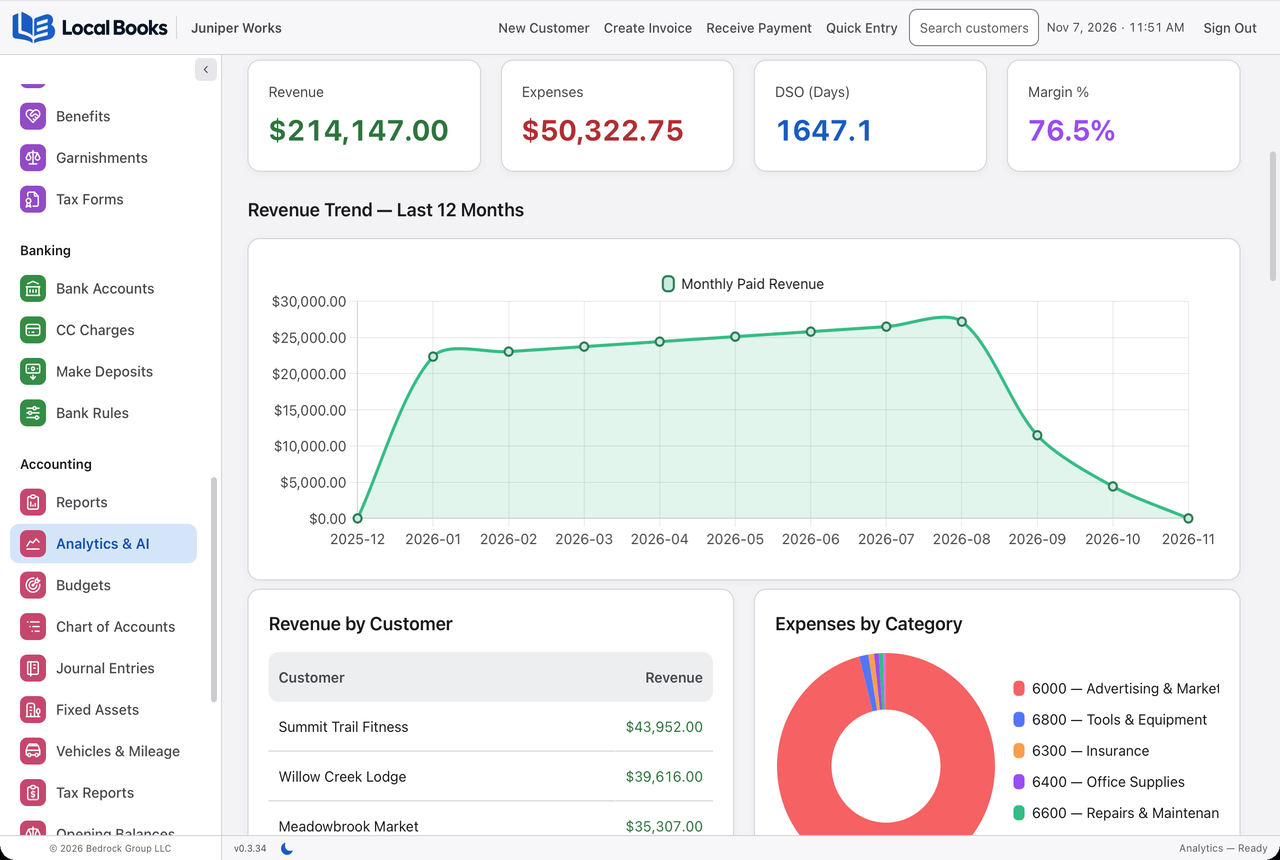
Local Books brings accounting, sales, purchasing, inventory, job costing, payroll and employee tools together. That breadth includes reviewed stock counts, partial receiving, optional warehouse controls, sales-representative reporting, vehicle mileage and Accountant Review workpapers. The built-in AI Assistant can explain the current manual and help with supported tasks when you connect a provider and permit the work. Advanced Inventory can stay off for businesses that do not need its extra controls. That breadth matters when you would otherwise need several programs to run the same business. You can follow the money from the work you quote through to the reports you use to make decisions.
An online product may also cover a broad range of work, but check the plan that includes it. For example, QuickBooks Online puts inventory and project profitability in Plus and Advanced; Xero puts its project features in Established. The separate QuickBooks comparison and Xero comparison explain those differences.
Shared access does not have to mean a hosted subscription
Local Books offers shared company records in both editions. Desktop includes five office computers total, including the host. Server supports larger teams and access across locations. Both include the same accounting, inventory, job and payroll toolkit.
The distinction is simple: with a hosted service, the provider runs the system; with Local Books Server, you or your IT provider runs it. Choose Server if that control is valuable to you. Choose a hosted service if you would rather pay someone else to handle the hosting.
Keep control of your records
With local software, make regular backups and keep a copy away from the working computer. With an online service, understand what happens to your records if you cancel and how you can take them with you. These are ordinary housekeeping questions, not reasons to avoid either approach.
You do not need to become an IT expert to choose accounting software. Decide who needs access, which business tools you use, and how you want to pay. Then ask to see those tasks in action. The best choice should make your working day simpler, not add another system to work around.
Written by Local Books. We make Local Books and link to the sources used in this article. Product information checked October 28, 2026.